
Help
Get support
Section titled “Get support”- NEO Support. Click the chat icon in the bottom-right corner of the app. It answers questions about using Licenseware, and passes you to the Licenseware team when you ask to speak to a human. See NEO Support.
- Contact. The bottom of the left sidebar is Notifications, Help and Contact. Help opens this help site. Contact opens How can we help you?
- Email. support@licenseware.io or contact@licenseware.io.
- Your Licenseware contact.
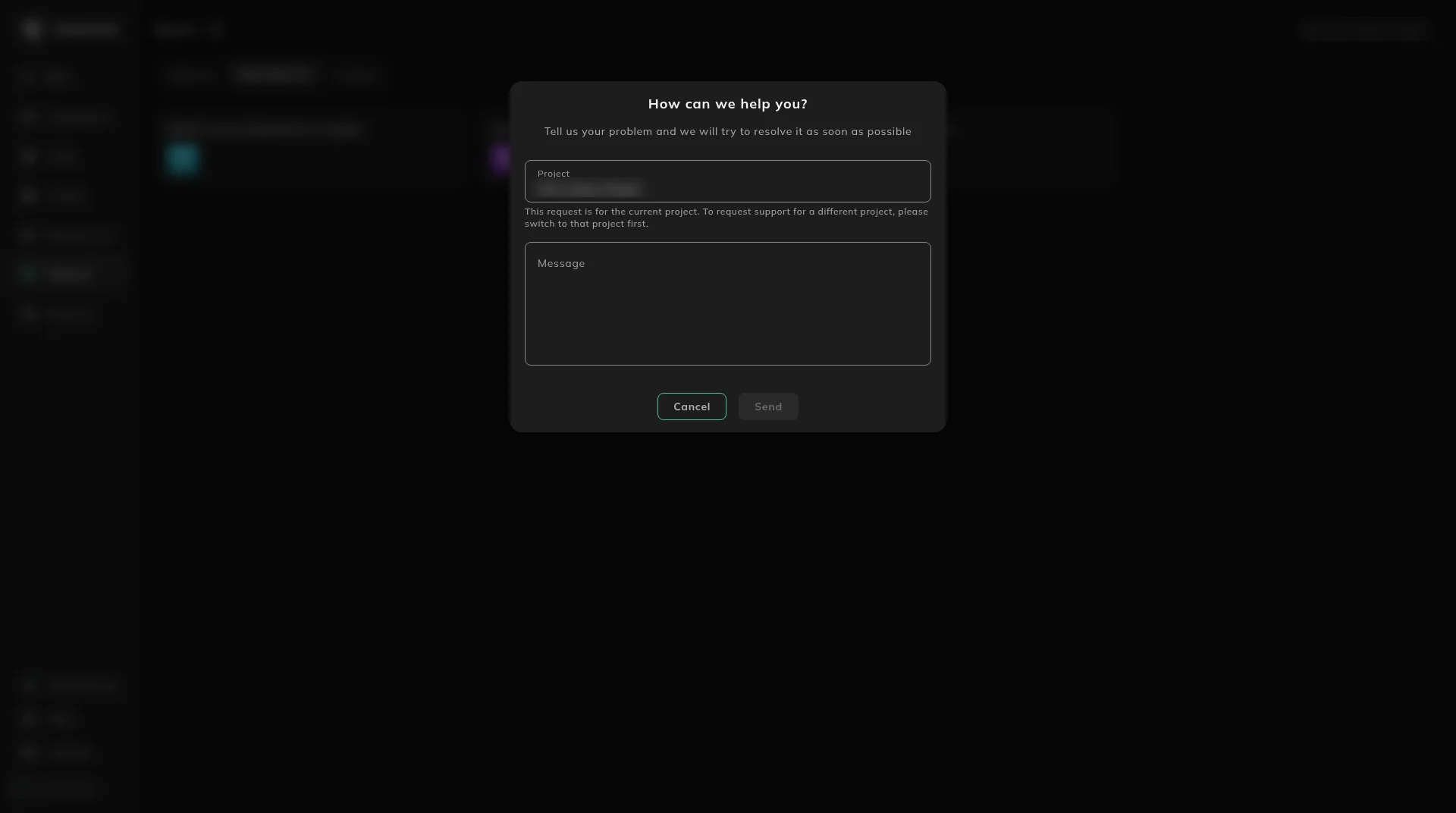
The dialog says “Tell us your problem and we will try to resolve it as soon as possible.” Project is the project you have open. The note under it says the request is for the current project, and that a different project means switching to that project first. Write the problem in Message. Send stays unavailable until there is a message.
When something looks wrong
Section titled “When something looks wrong”Start with Troubleshooting. It points at the page for failed uploads, missing reports, sign-in and verification email.
To switch this handbook between dark, light and the system theme, use Appearance.
To hash columns in a spreadsheet before you upload it, use the Licenseware Encryptor.
What changed
Section titled “What changed”Product releases are published on Release notes.