
Licenseware quickstart
Six steps take you from a new account to your first findings. Steps 1 to 3 bring your data in and open the first report. Steps 4 to 6 add NEO’s findings and your contracts, and end with a renewal reminder.
1. Create an account
Section titled “1. Create an account”Create an account on the instance for your region. The three instances are under Choose your region.
2. Connect an API
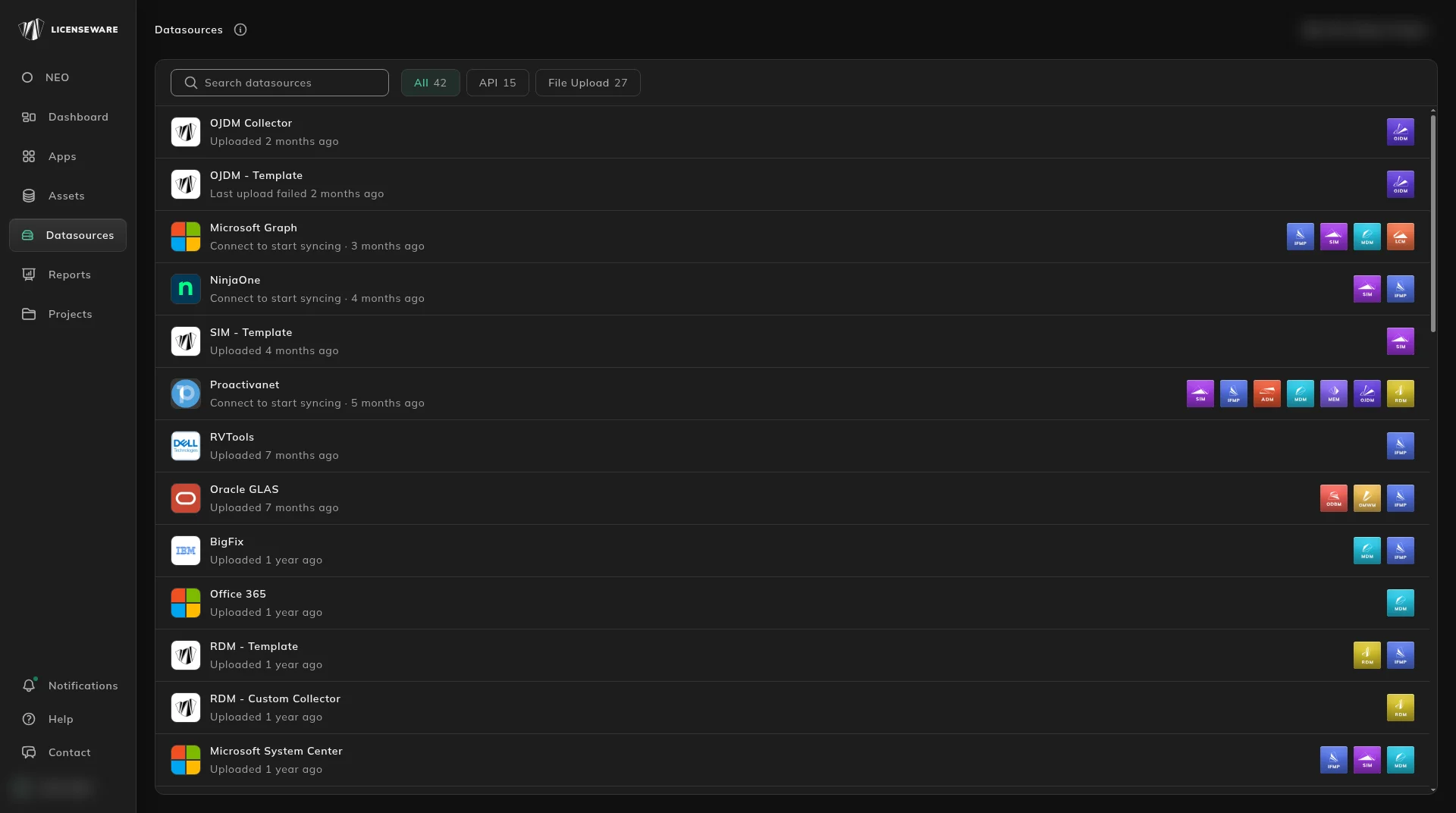
Section titled “2. Connect an API”In the app, open Datasources and connect a tool you already run, such as Lansweeper, Microsoft Graph or NinjaOne (see Data sources). It syncs on a schedule.
Then install the Collector. Licenseware recommends it for every project: it meters when software is actually run, so you can reclaim licenses nobody uses, and it covers machines the integration does not see. Upload a file for a tool that has no API connection.
More detail: Data sources, then check what arrived in Hardware assets and Software assets.
3. Open the SIM report
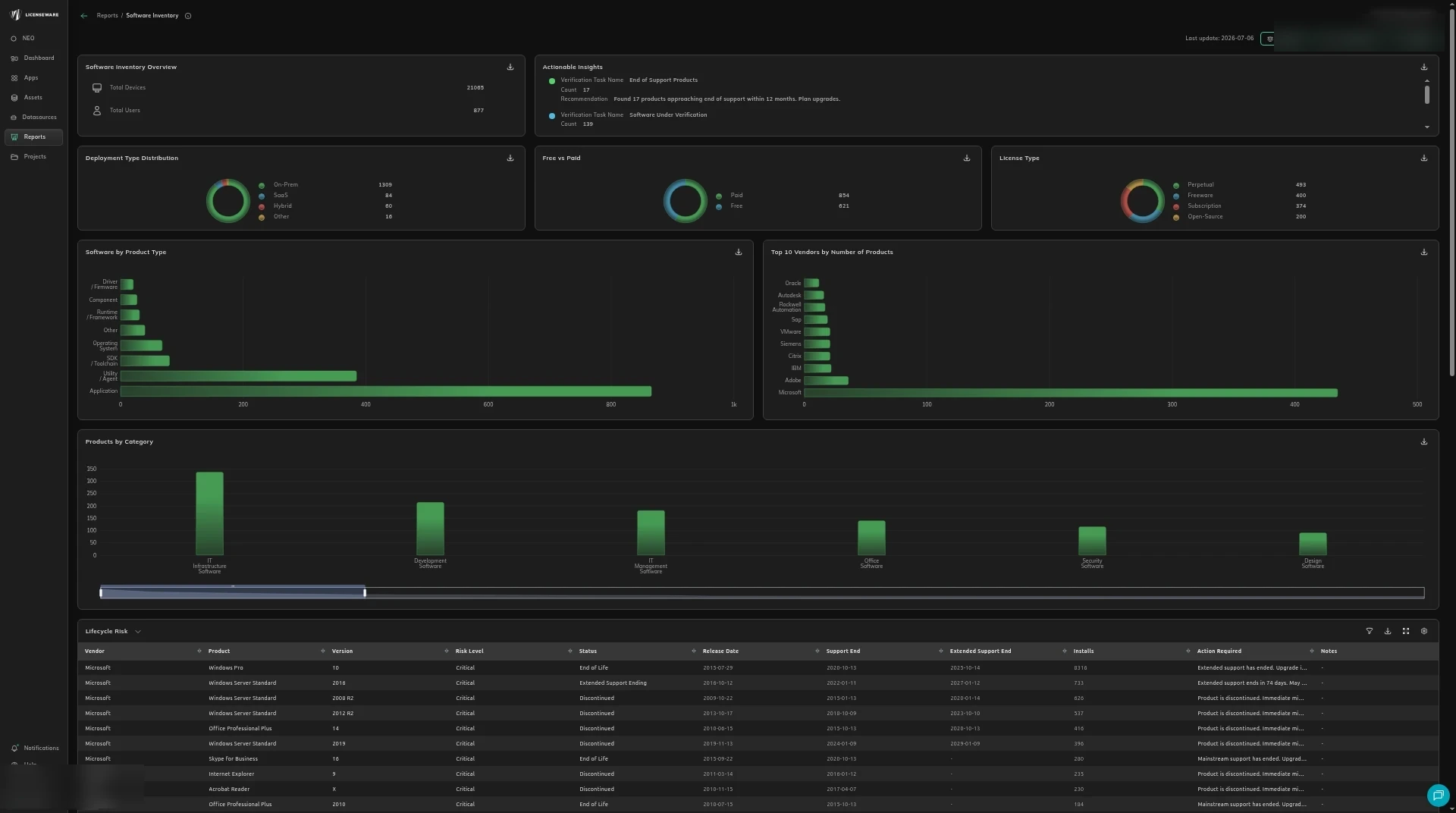
Section titled “3. Open the SIM report”When the data has processed, open the Software Inventory report. It shows what is installed, what is paid, what is out of support, and where several tools do the same job.
More detail: Using reports.
4. Review your NEO Insights reports
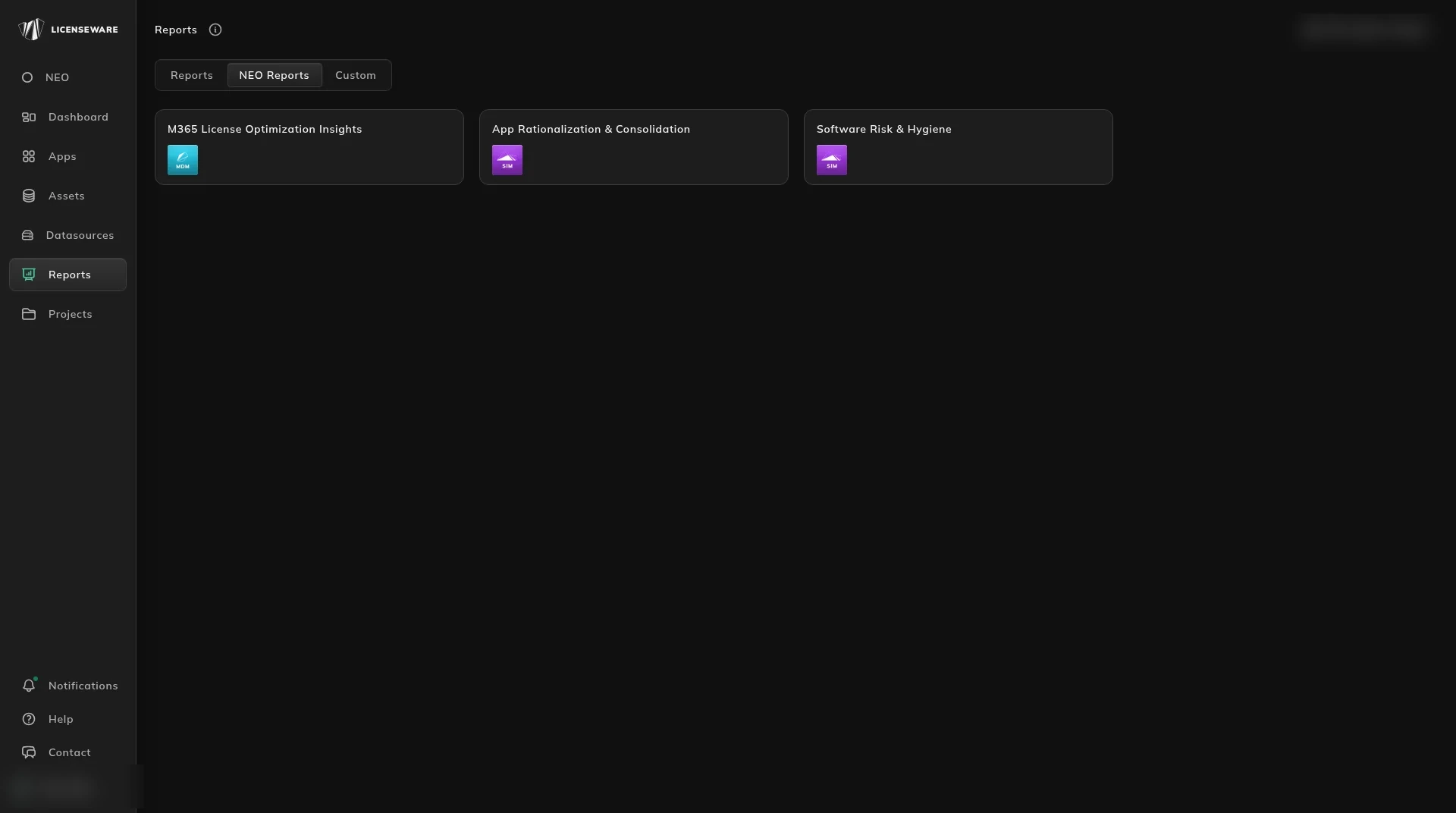
Section titled “4. Review your NEO Insights reports”Open NEO Reports for a written finding, or ask a licensing question.
5. Extract a contract
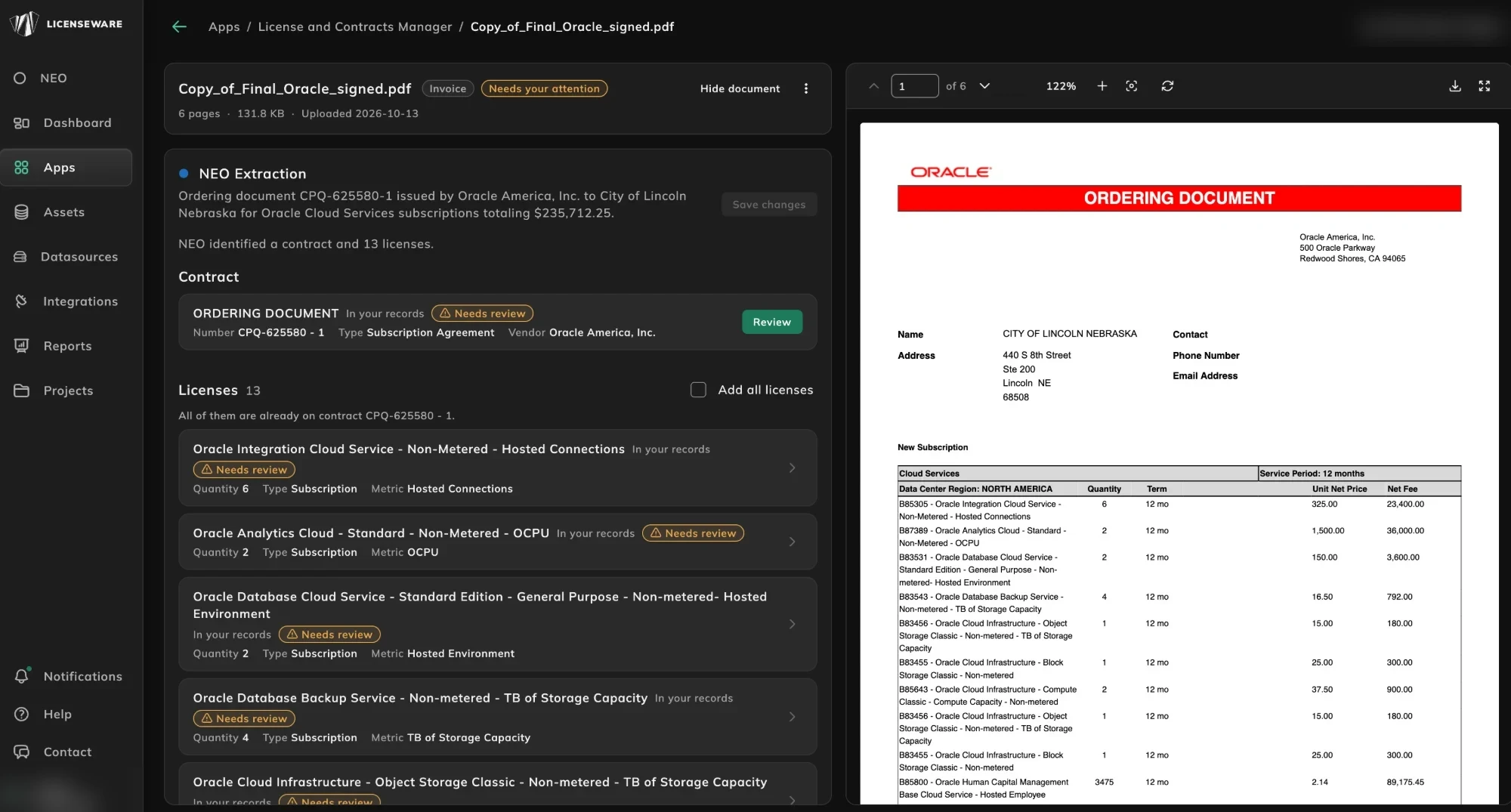
Section titled “5. Extract a contract”Extract a contract from a document. Upload a PDF, a scan or a screenshot. NEO reads the terms and the licenses. You review them before they are saved.
More detail: Add and review a contract and Match a license to what is deployed.
6. Set a renewal reminder
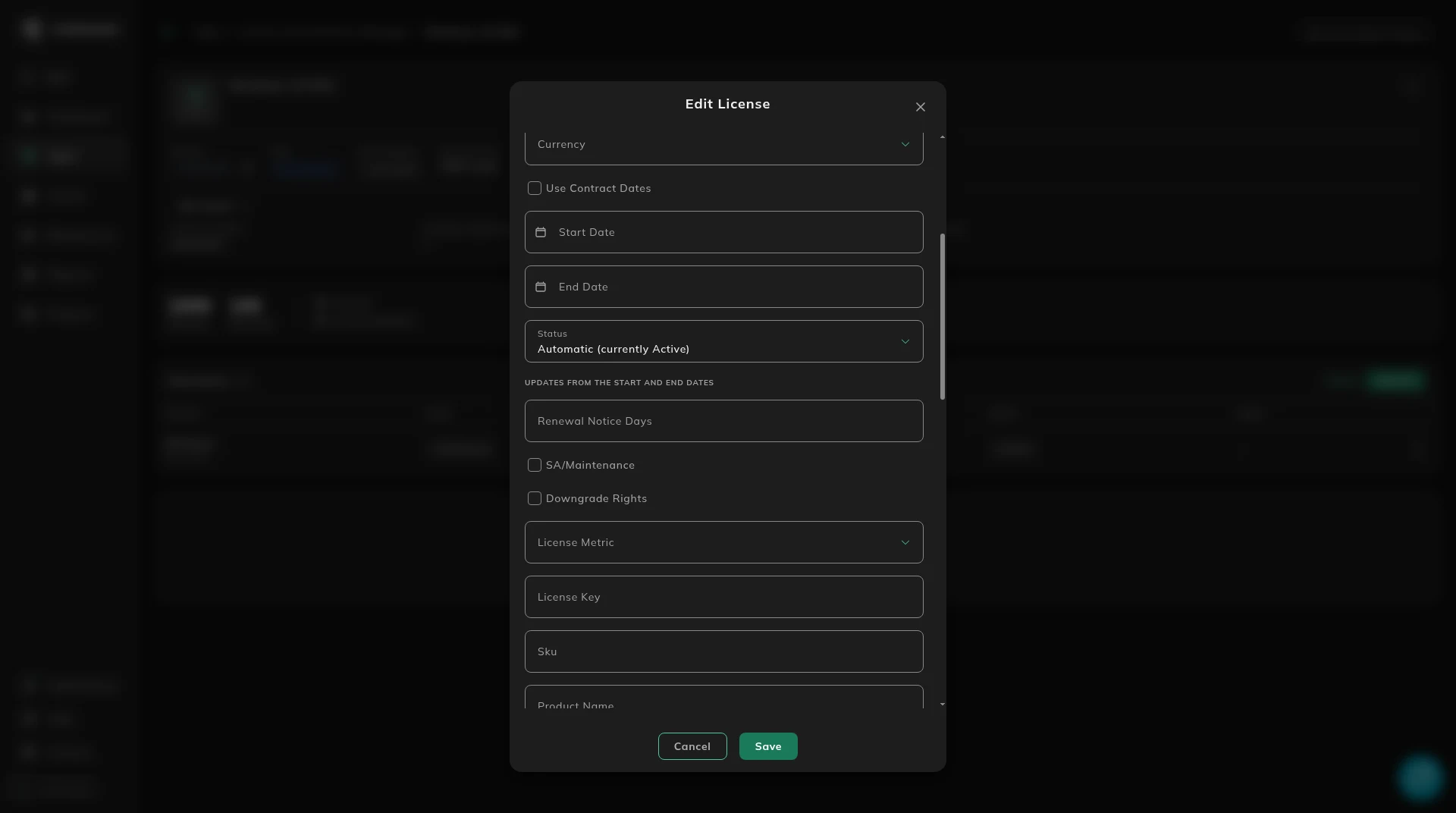
Section titled “6. Set a renewal reminder”Set a renewal reminder. Licenseware emails a reminder on the Renewal Notice Days day set on a contract or a license, then again at each of 90, 60 and 30 days that falls after it. That page has worked examples.
7. Find unused software
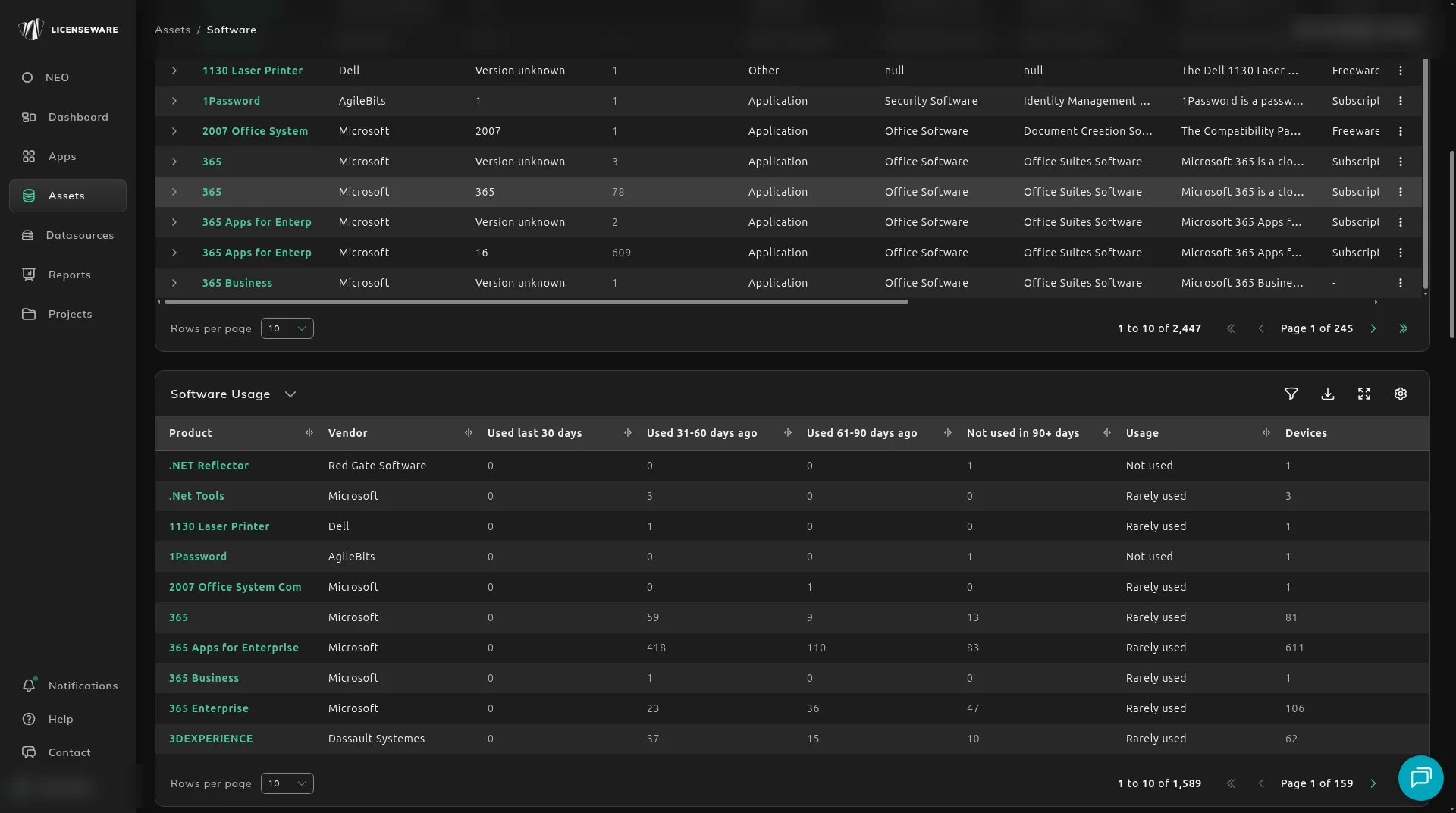
Section titled “7. Find unused software”Find unused software to reclaim. Once the Collector is running, open Assets, then Software, and scroll to Software Usage. Start with Not used in 90+ days: those are the licenses you can reclaim or uninstall before a renewal.
Start, or talk to us
Section titled “Start, or talk to us”Start free creates your account on the EU instance. For the US or AU instance, sign up at us.licenseware.io or au.licenseware.io. See pricing.