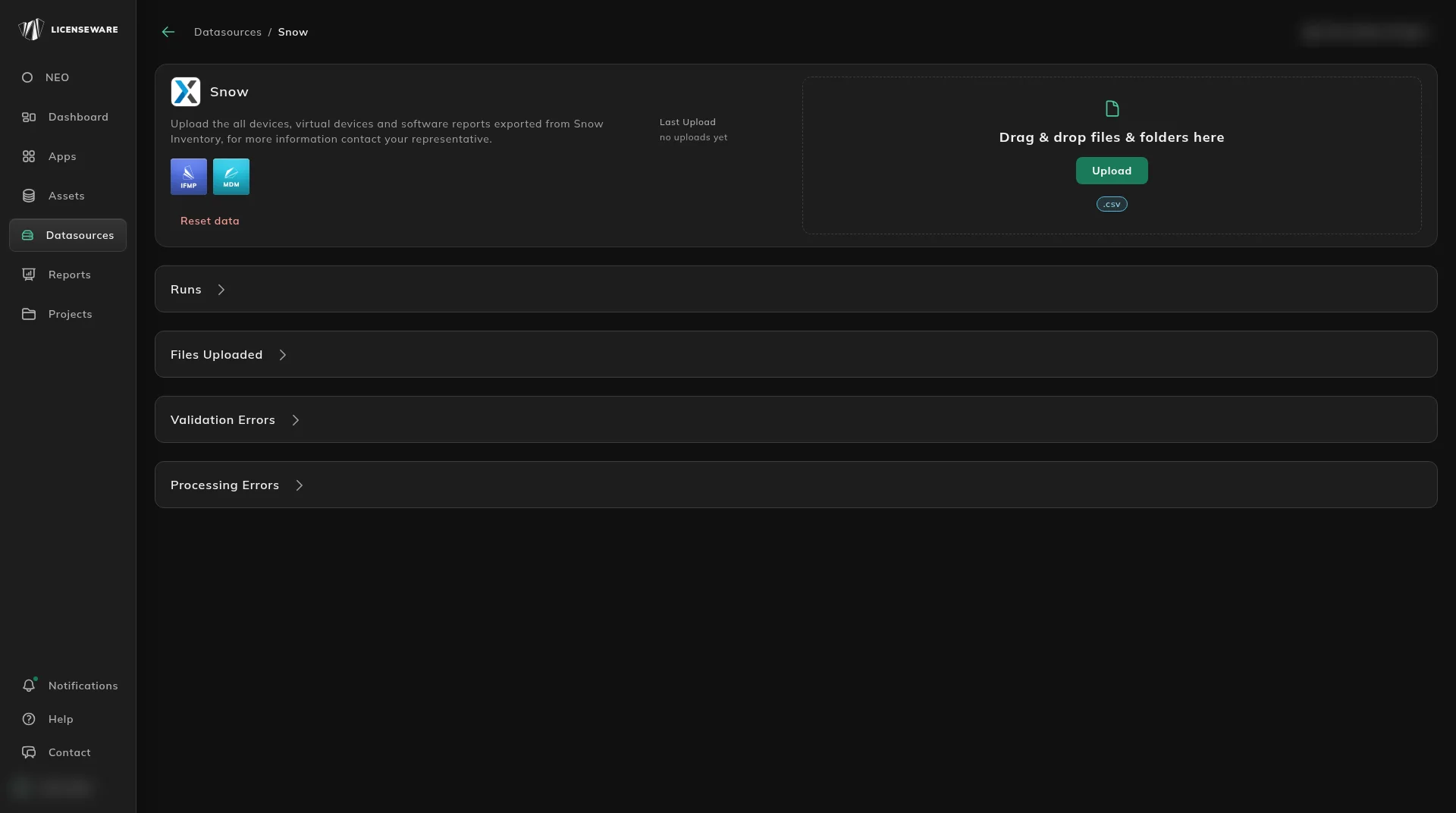
Snow Software
Export installed applications from Snow and upload it on the Snow data source.
Open Snow License Manager, go to reports, and select the Applications Per Computer report which shows all installed or used applications per device.
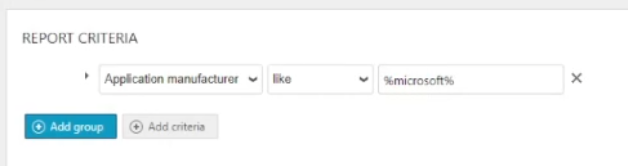
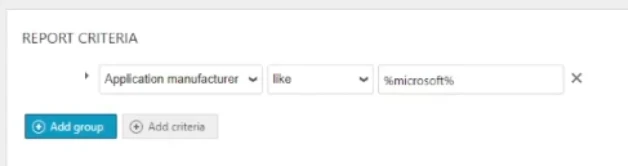
- You need to filter the “application Manufacturer” to “Microsoft”L
Application manufacturer like %microsoft%
- Add the following columns in this order:
Computer nameOrganisationApplicationApplication manufacturerDefault metricFirst usedLast usedRunPer run (hh:mm)Most frequent userLast logged on userInstalledLast scannedVirtual ServerStatus- Export the filtered results as .xlsx
- It is expected that the resulted output will be uploaded “as is”, without altering or removing the column headers (this is used for the validation when the file is uploaded).
In Licenseware, open Datasources, click Snow, and drag the file into the upload area. The source is named Snow and accepts .csv. See Upload & manage data.