
SIM template
Use the SIM template when a tool has no API connection. It needs four columns: device name, software name, software version and software publisher.
Compatible discovery tools
Section titled “Compatible discovery tools”Any tool that can export those four columns works. These are the tools with a guide:
| Data Source |
|---|
| Microsoft Intune |
| Microsoft SCCM |
| Microsoft Defender for Endpoint (API, file fallback) |
| Lansweeper (API, file fallback) |
| Jamf Pro (API, file fallback) |
| CrowdStrike (API, file fallback) |
| SentinelOne (API, file fallback) |
| ServiceNow |
| Sophos |
| Device42 |
| Carbon Black |
| Jira Service Management Discovery (API, file fallback) |
| ManageEngine (API, file fallback) |
| PDQ Inventory |
| HCL BigFix |
| HaloITSM |
| NinjaOne (API, file fallback) |
| Ivanti (API, file fallback) |
| Tanium |
| Spiceworks |
| Qualys |
If your tool isn’t listed but can export the four required fields, you can use it with SIM and we are happy to help you extract the data.
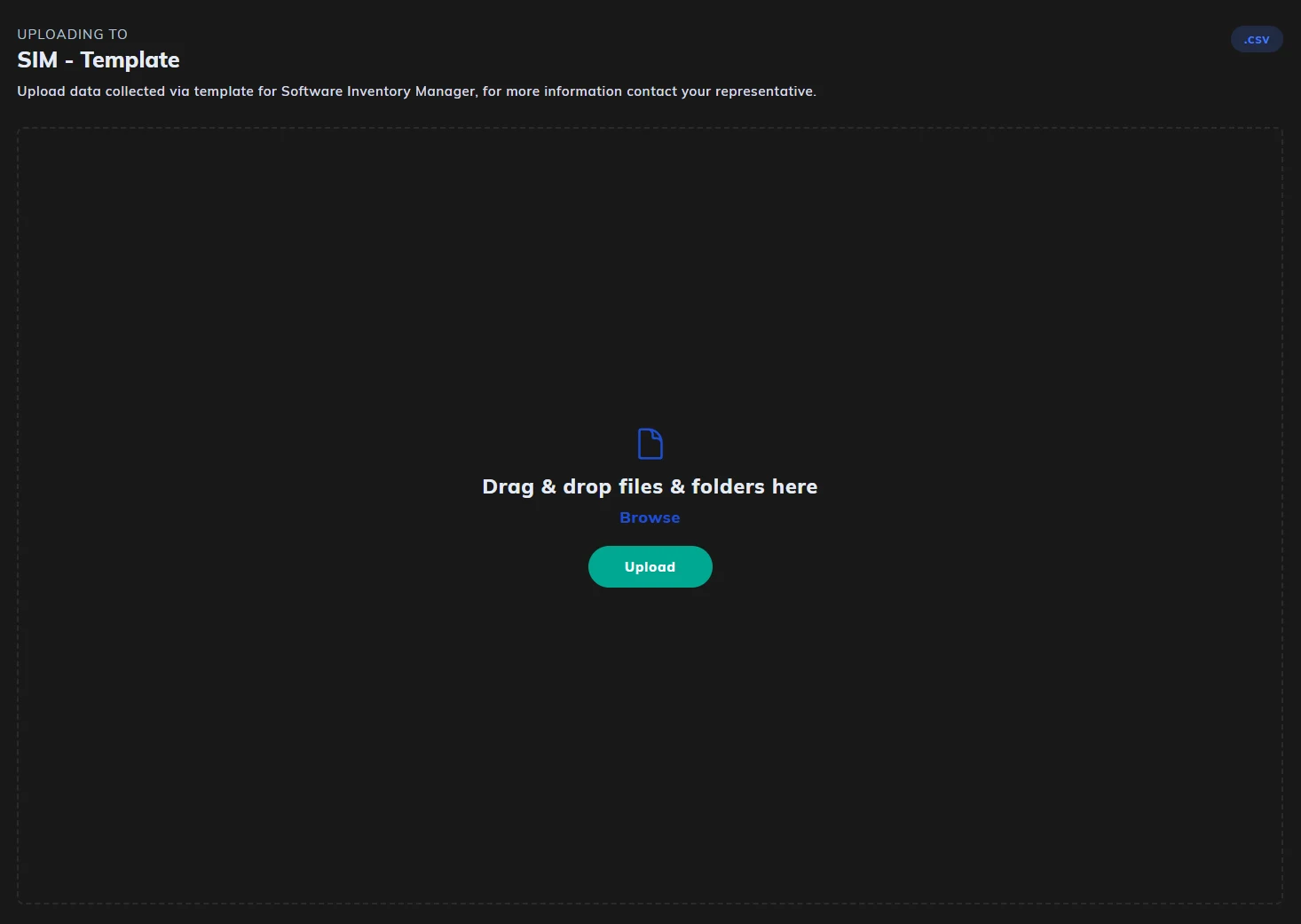
Download the template from its data source: open Datasources, click SIM - Template, then click Download Template. Download a fresh copy each time, as templates are updated. Upload it back to the same data source when it’s complete.
The SIM template contains four required columns:
| Column Name | Description |
|---|---|
| device_name | Name of the device the software is installed on. If device name is sensitive or irrelevant, you may spoof this with any unique/random identifier. |
| software_name | The raw name of the software, exactly as reported by your discovery tool. |
| software_version | REQUIRED IF LOCALLY DEPLOYED: The full version string as captured during discovery (e.g., 10.3.1, 2022 R2). UNREQUIRED IF SAAS. |
| software_publisher | Publisher or vendor name (e.g., Microsoft Corporation, Oracle). |
Important: Complete the template by filling in the data section below line 8, under DATA LINES TO BE IMPORTED. Remove all example data included in the template before submission.
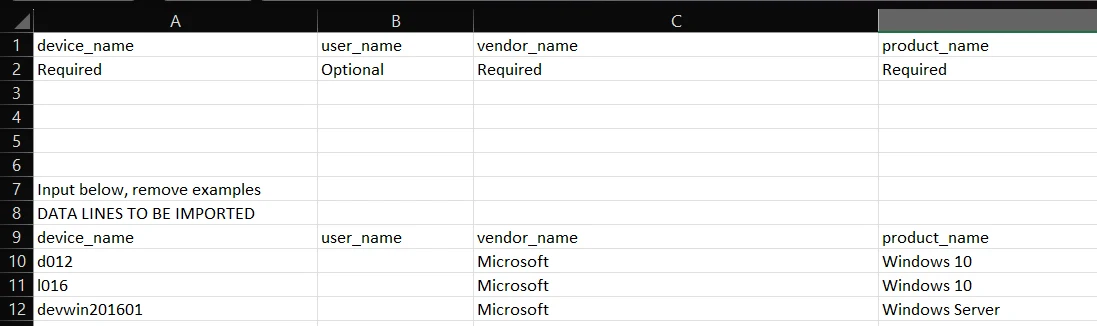
Ensure column headers remain unchanged
Tips for submission
Section titled “Tips for submission”- Do not filter or exclude entries manually. Submit the full export, including agents, drivers, or system software, SIM will automatically filter and normalize the data.
- Ensure consistent formatting. Values should be raw, exactly as reported by your discovery tool.
Once completed, save the file as a .csv. In Licenseware, open Datasources, click SIM - Template, and drag the file into the upload area or click Upload. The platform will handle normalization, enrichment, and prepare the data for reporting and licensing optimization.
API connections
Section titled “API connections”Many tools connect by API instead of a file upload, including Lansweeper Cloud. They sync automatically, with no manual upload. The list is on Data sources. For a tool that isn’t listed, ask support@licenseware.io about a custom API integration.