Oracle entitlements template
Load your Oracle license entitlements with the Oracle Entitlements Baseline CSV Template. This is how to get the template, fill it in and upload it.
Downloading and completing the template
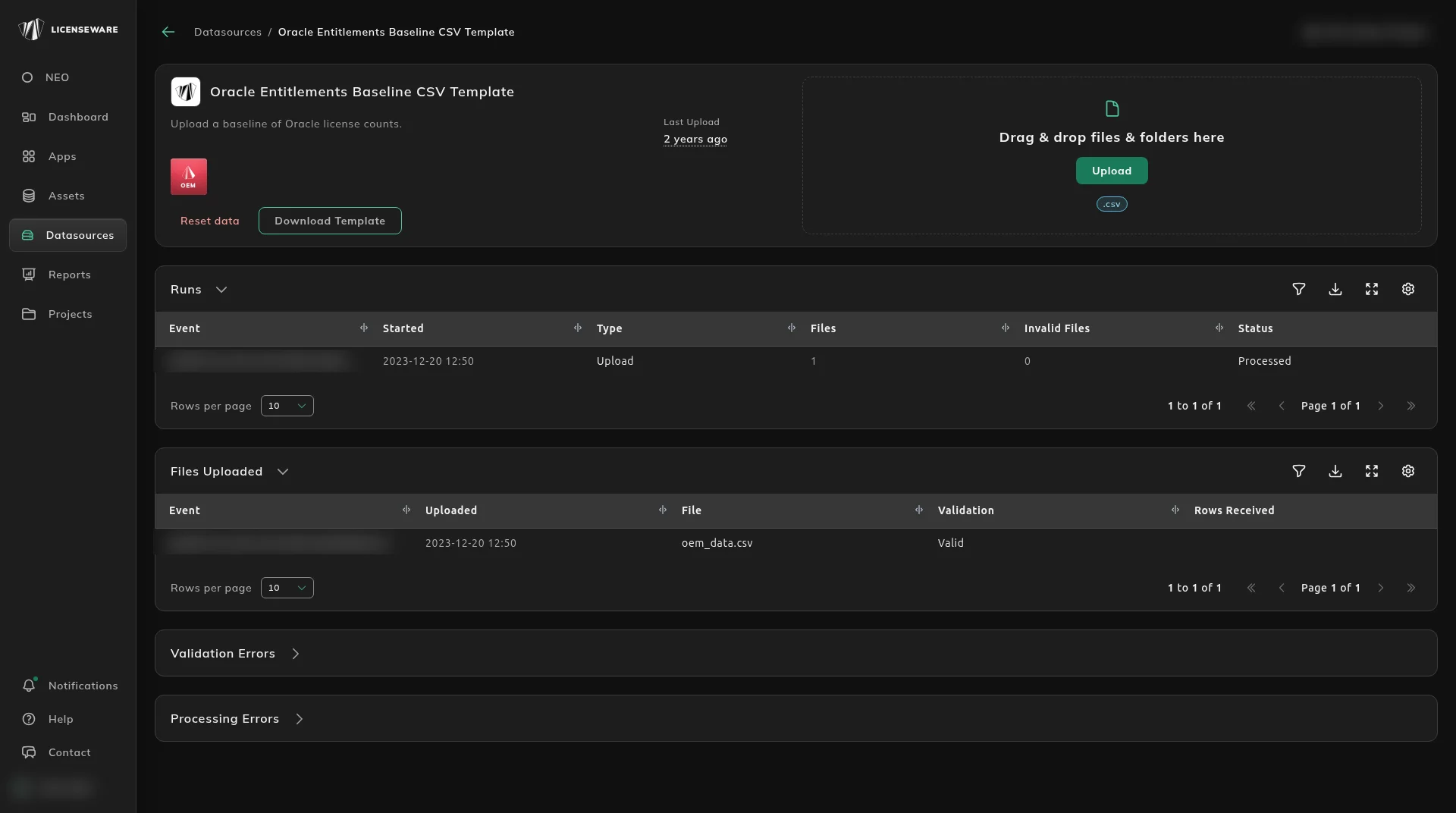
Section titled “Downloading and completing the template”Download the template from its data source: open Datasources, click Oracle Entitlements Baseline CSV Template, then click Download Template. Download a fresh copy each time, as templates are updated.
There are a number of columns, those that are required for a full analysis (as in mandatory) are listed below:
- Product Family
- Product Category
- Product Name
- Qty
- License Metric
- License Type
- License Level
- Restrictions
- Active Support
Whilst the other fields are not mandatory, we recommend completing the sheet or as much of it as possible. Example of completed template:
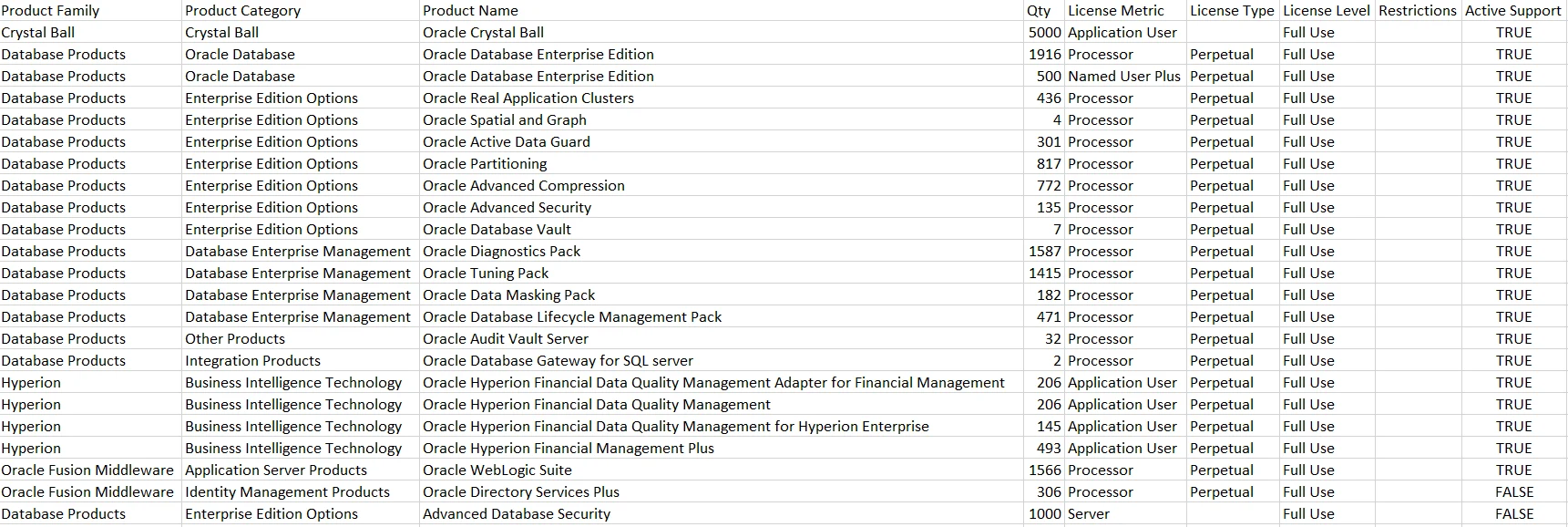
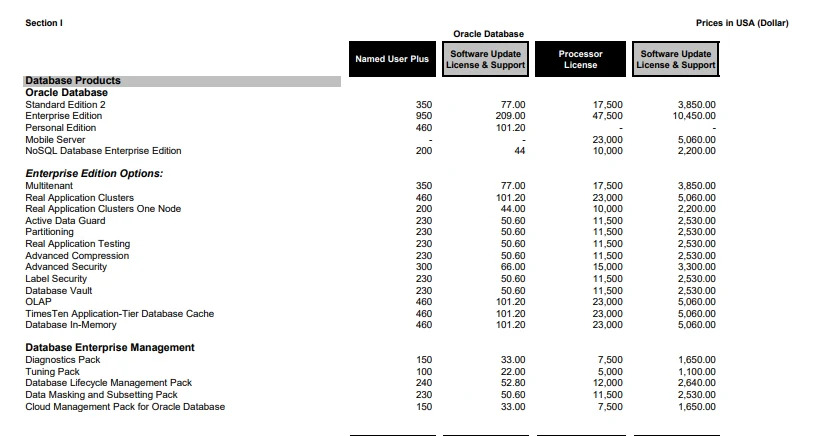
The names should follow Oracle’s public price list. The sheet below is an example. Some variation in naming is accepted.
Once completed ensuring the original column order and header names are kept, save the file as .csv
Upload the template
Section titled “Upload the template”- In Licenseware, open Datasources and click Oracle Entitlements Baseline CSV Template.
- Drag the .csv into the upload area, or click Upload. The source accepts .csv only.
- Check that it was processed in the source’s upload history.