IFMP template
Use this template to load infrastructure and virtualization data when your tool isn’t supported directly.
Download the template
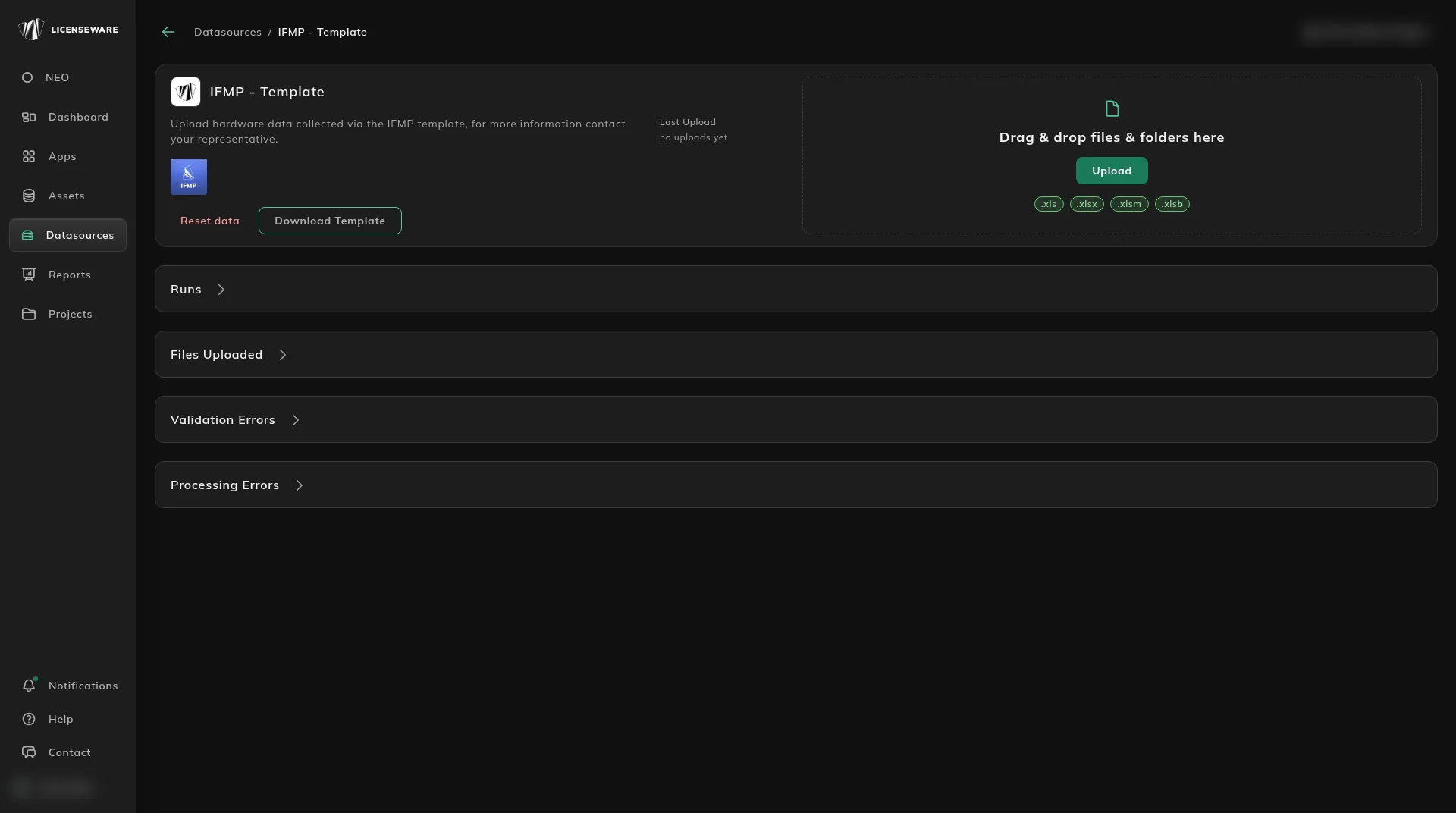
Section titled “Download the template”Download the template from its data source: open Datasources, click IFMP - Template, then click Download Template. Download a fresh copy each time, as templates are updated.
Once downloaded you will see the xlsx has two tabs.

Complete the template
Section titled “Complete the template”The both tabs are split in to two sections, the top half shows which columns are required, with information surrounding the contents to be filled in said columns.
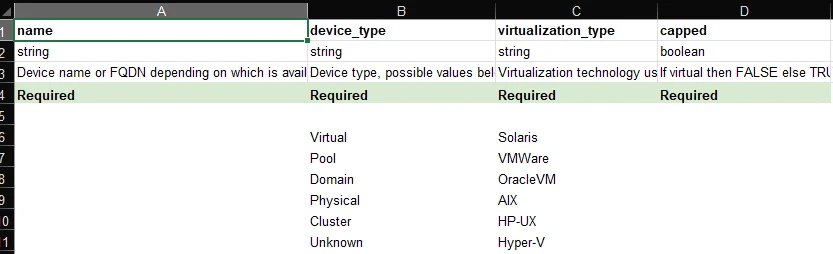
In this example device_type is a required field and should be filled with a value listed beneath it, e.g. Physical or Cluster.
Next we have the section that requires completion, where all lines beneath “DATA LINES TO BE IMPORTED” will be imported.
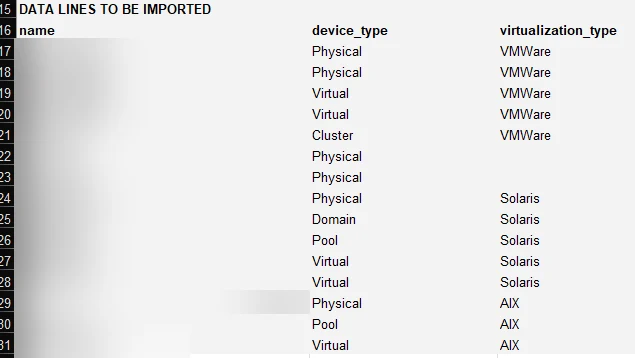
When completing the template make sure to remove the example data provided in the grey section.
Make sure to save your changes.
Upload the template
Section titled “Upload the template”- In Licenseware, open Datasources and click IFMP - Template.
- Drag your completed file into the upload area, or click Upload.
- Check that it was processed in the source’s upload history.