
Flexera LMS Archive
This article provides guidance for customers using FlexNet Manager Suite to extract the Oracle LMS (License Management Services) evidence archive.
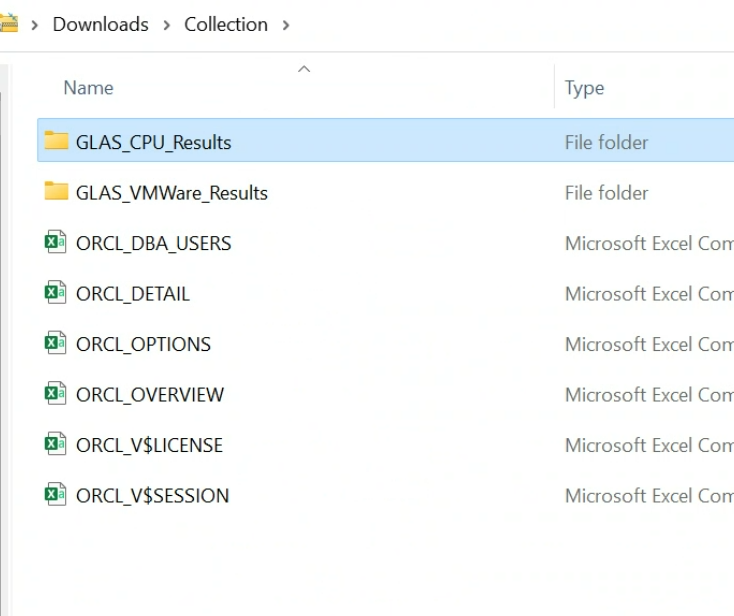
This data can then be shared with Licenseware for analysis of Oracle Database deployments, configurations, and potential compliance risks.
Overview
Section titled “Overview”FlexNet Manager Suite collects detailed Oracle Database information using Flexera’s inventory technologies, such as the FlexNet inventory agent. When properly configured, the platform generates LMS-compatible data, structured as a set of CSV files, which include essential details on Oracle Database instances across the environment.
This data is commonly requested by Oracle during a license audit, and Licenseware can use this same evidence to perform a thorough licensing assessment, compliance review, or optimization analysis.
Steps to download the Oracle LMS evidence archive
Section titled “Steps to download the Oracle LMS evidence archive”- Log in to FlexNet Manager Suite.
- Navigate to: Discovery & Inventory > Oracle Instances
- Locate the section labeled Oracle LMS evidence archive.
- If you have unrestricted access to your enterprise data, you’ll see a link titled: Download the archive
- Click this link to download the archive file named: OracleLMSEvidence.zip
Upload the archive to Licenseware
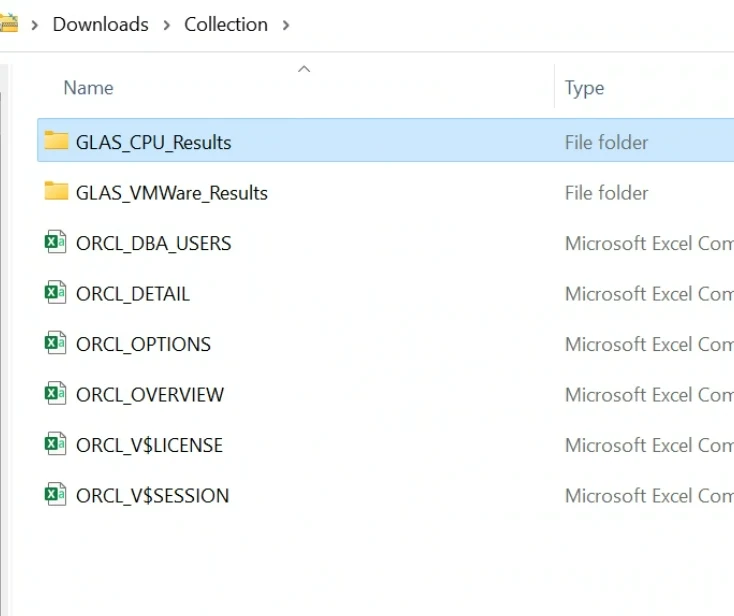
Section titled “Upload the archive to Licenseware”Before uploading, extract the contents of the OracleLMSEvidence.zip file. The archive includes several CSV files, notably the LMS options file, which contains detailed information about Oracle Database options and management packs usage.
To proceed:
- Extract the .zip file locally.
- Upload the unmodified CSV files directly to the Licenseware platform.
Licenseware will automatically ingest and process the LMS data, including:
- Oracle Database edition and version information
- Option and management pack usage
- Host and cluster configurations
- Inventory and usage metrics