
Adobe
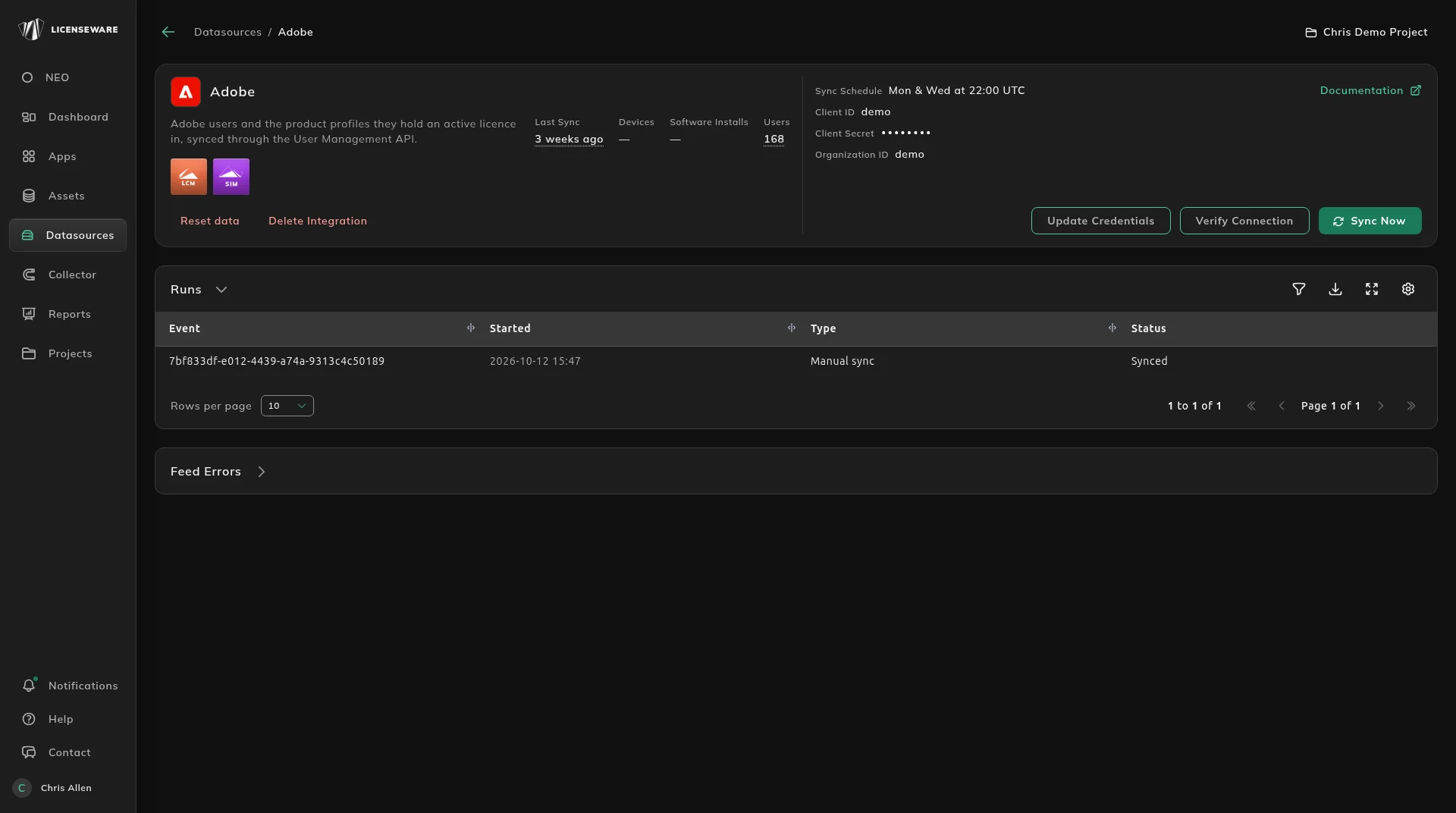
Adobe is an API integration. It brings in “Adobe users and the product profiles they hold an active licence in, synced through the User Management API.” It connects to the Adobe Admin Console User Management API and feeds License and Contracts Manager and Software Inventory Manager, so your Adobe seats and the people holding them stay in step with what you’re entitled to, without a manual export.
Connect Adobe
Section titled “Connect Adobe”In Datasources, open Adobe and enter the Client ID, Client Secret and Organization ID. Documentation on the page links to Adobe’s User Management API documentation.
Adobe then syncs on the same schedule as every API source. The sync schedule, the buttons, Runs and Feed Errors are on Check and manage the connection.
Adobe licenses in LCM
Section titled “Adobe licenses in LCM”Adobe creates a license per product on the Licenses tab in License and Contracts Manager, such as Illustrator, Acrobat Pro DC, Photoshop or Creative Cloud All Apps, with type Subscription and Datasource “Adobe”. Each license page shows Entitled, Deployed, Remaining and Allocated seats, how many are auto-tracked and Custom reserved, and an auto-tracked allocation measured in Users. That is the entitlement against the people actually holding the product, ready for the renewal.
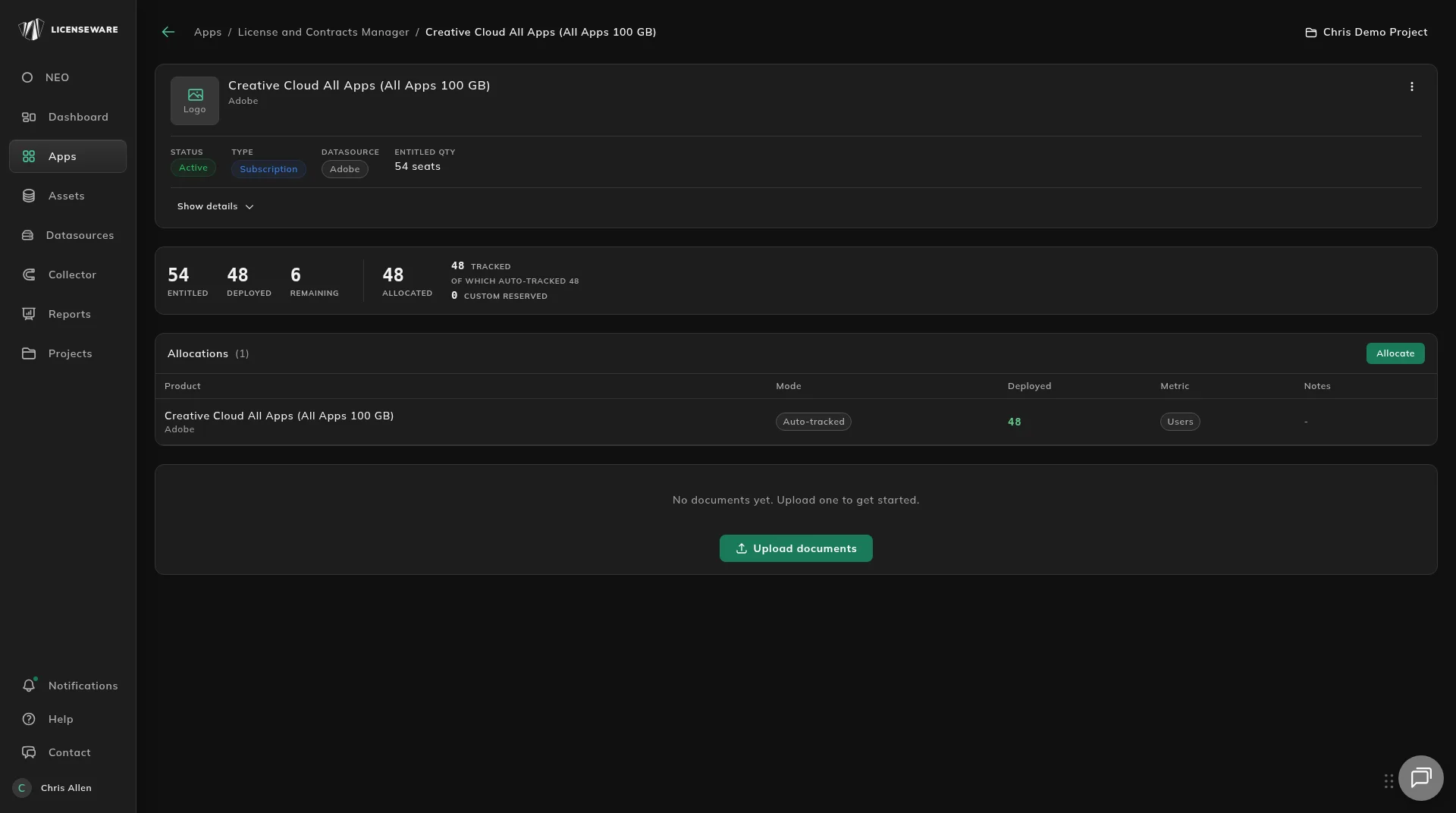
How allocations work is on Match a license to what is deployed. Opening and editing a license is on Add and review a license.
Adobe seats in SIM
Section titled “Adobe seats in SIM”The Adobe licenses appear as rows in the Seats table of the SaaS Seats report, and Adobe members appear in Seat Holders and Unused Seats. That is where you find the Adobe seats nobody uses.