
Install Collector agents
The Collector is a free agent, and Licenseware recommends it for every project. It collects system and software inventory and software usage from servers and client PCs (laptops, desktops, VDI and Docker containers), and sends that data to Licenseware. The full installation guide is on licenseware-collector.com.
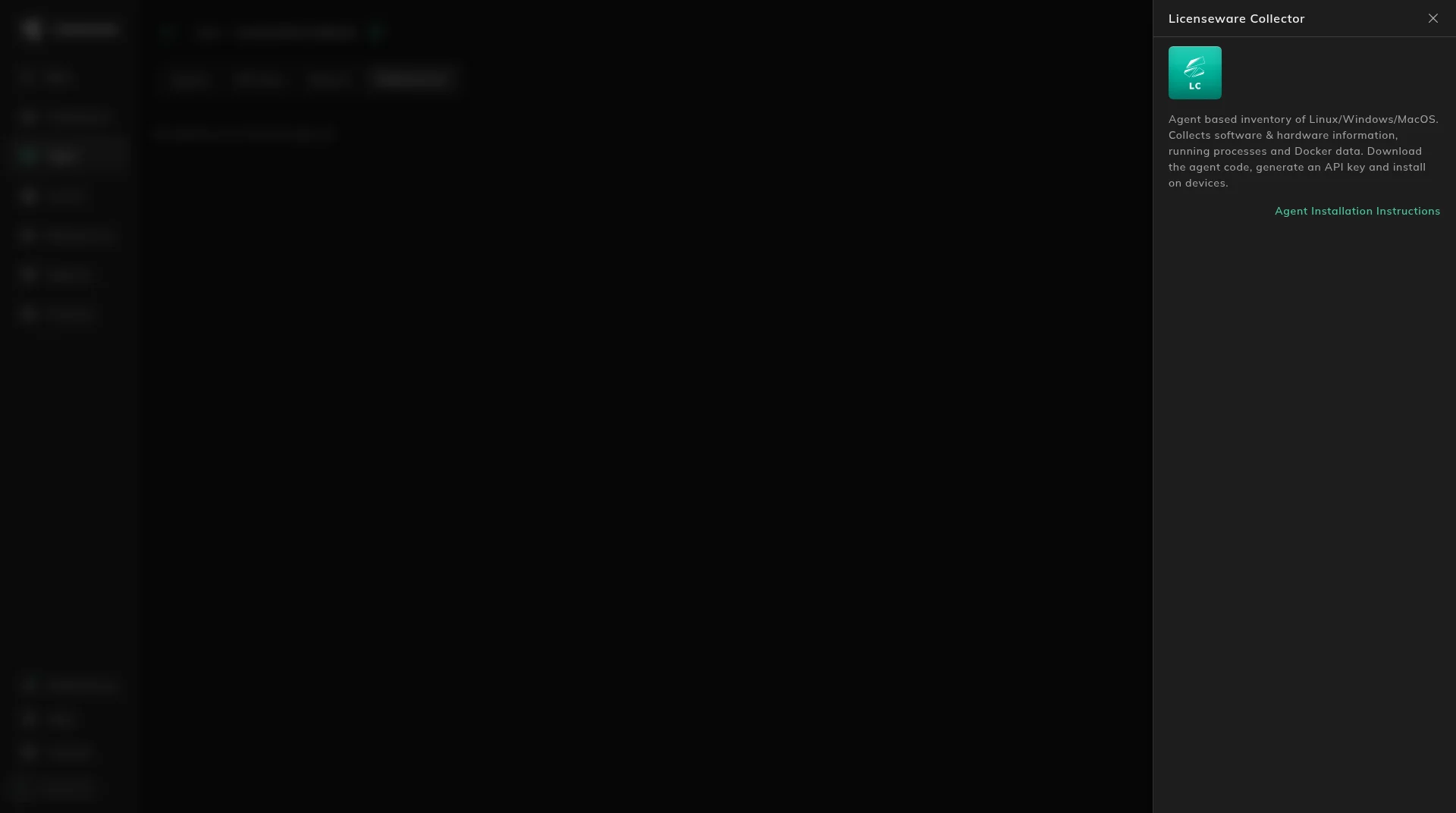
Open Apps, then Licenseware Collector, and click the info button next to the title. Agent Installation Instructions opens the same guide.
Systems and packages
Section titled “Systems and packages”The agent is 64-bit only.
- Linux needs systemd. Packages are deb and rpm, for x86_64 and arm64.
- Windows is x86_64 only: Windows 10 or later, and Windows Server 2016 or later. The package is an MSI. Windows 7, Windows 8.1, and Windows Server 2012 R2 are not supported.
- macOS is version 12 or later, on Intel and Apple Silicon. The package is a pkg.
The current files are under Direct downloads. Supported systems are under Operating system compatibility.
Enrollment
Section titled “Enrollment”Each machine enrolls with a token. Create and name the key on Collector API keys. The downloaded package does not include the token. You provide it at install time. How to pass it is in the installation guide.
One device or many
Section titled “One device or many”On one device, install that system’s package and provide the token. The steps are in the installation guide.
For many Windows devices, deploy the MSI with Intune, SCCM, or a similar tool. That path is unattended deployment.
The enrollment token is a long value, and Intune’s install command field is too short for it, so the unattended path uses a wrapper rather than pasting the token into that field.
On a Mac, the token is delivered in a configuration profile (a mobileconfig), and the pkg is deployed with Jamf, Intune, Kandji, or a similar tool. See macOS MDM deployment.
Network
Section titled “Network”The agent needs outbound HTTPS to the endpoints for your region. It does not need any inbound ports. The host list is under Network requirements.
Updates and removal
Section titled “Updates and removal”From version 0.17.0 the agent updates itself. Windows and macOS agents still on 0.16.x do not make that jump on their own. Deploy the 0.17.0 package as an upgrade. An enrolled machine does not need a new token. Linux agents on 0.16.x update themselves. Agents on 0.11.0 or older do not update to 0.17.0. Reinstall them from the current package. The differences are in Upgrading to 0.17.0.
You can change settings after install, including turning updates off on one device. See Settings. If outbound traffic has to use an HTTP proxy, see Proxy configuration.
Removing the agent needs an administrator. Package removal and the uninstall command are in the uninstall guide.
After a machine enrolls, it shows on Manage Collector agents.