
See what's paid vs free
Use this before a renewal or a vendor review. A flat inventory does not say what is paid, what is free, or which metric the license uses. SIM attaches those so usage sits on the right yardstick.
On the report
Section titled “On the report”- Open the Software Inventory report.
- Open the Licensable Products table.
| Column | Use it for |
|---|---|
| Pricing and Price Info | What the catalog holds for cost. |
| License Type | Perpetual, Subscription, Open-Source or Freeware. |
| Metric | The yardstick, such as per device, per user, or per core. |
| Installs, Devices, Users | How widely it is deployed. |
Hover Product Description to see what the product does.
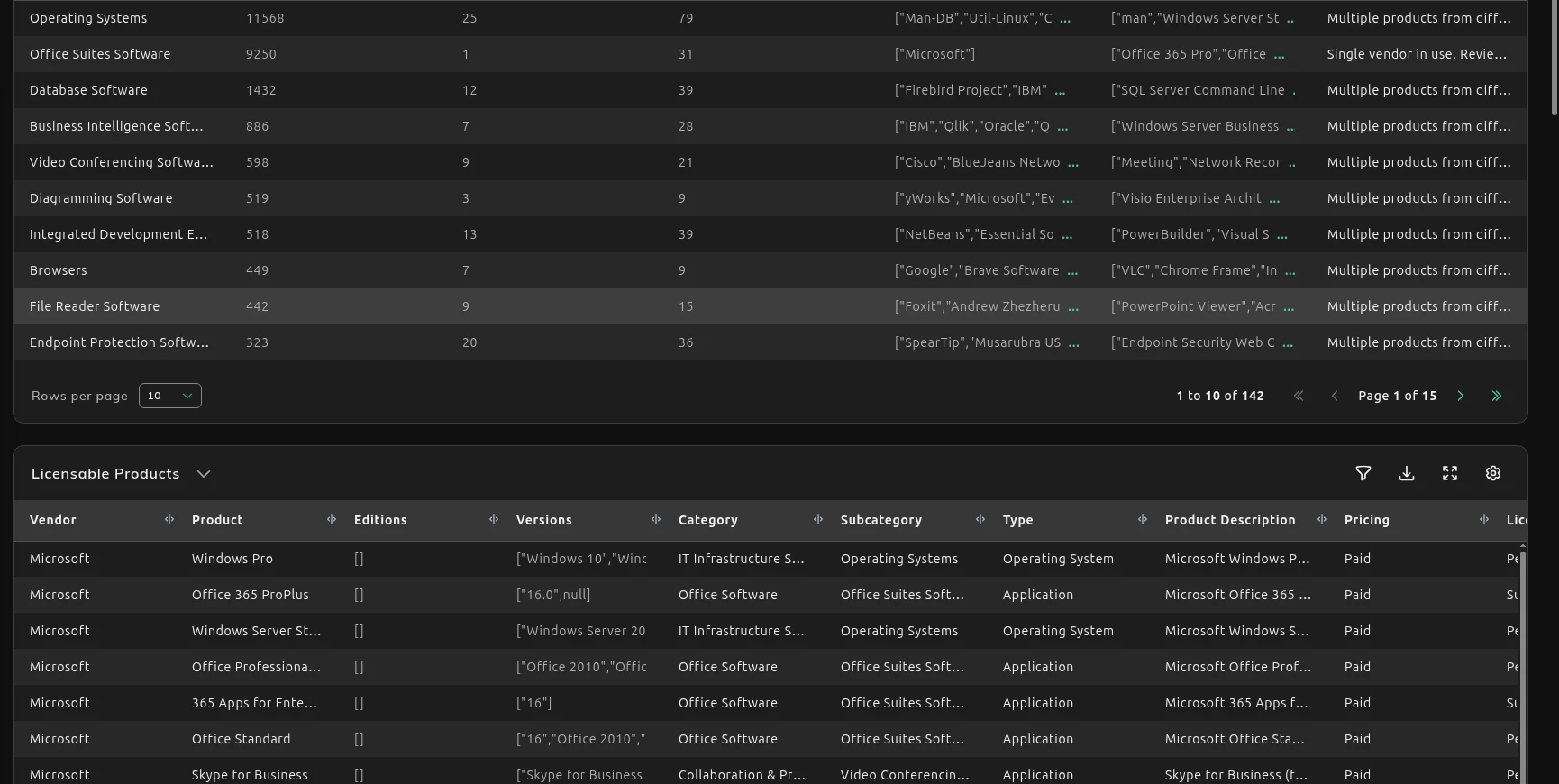
Free vs Paid splits the estate into paid and free. License Type splits it again, for example Perpetual, Freeware, Subscription and Open-Source.
If the price or metric is wrong for your agreement, change it on Fix how a product is classified. A negotiated price belongs on the version. After you save it, Free vs Paid, License Type and Licensable Products on this report show your figure, not the catalog default.
What to do next
Section titled “What to do next”Unused paid software is on Find unused software to reclaim.
Personal-use and freemium titles show up in Software Risk & Hygiene, under Free For Personal Use and Shadow Cloud & AI. The contracts behind a paid product are in License and Contracts Manager.