
Take the ITAM maturity assessment
The assessment is one card, ITAM Maturity Self Assessment, on the Questionnaires tab of Self Assessment Service. It is 116 questions, in three sections: ITAMS maturity, HAM maturity, and SAM maturity.
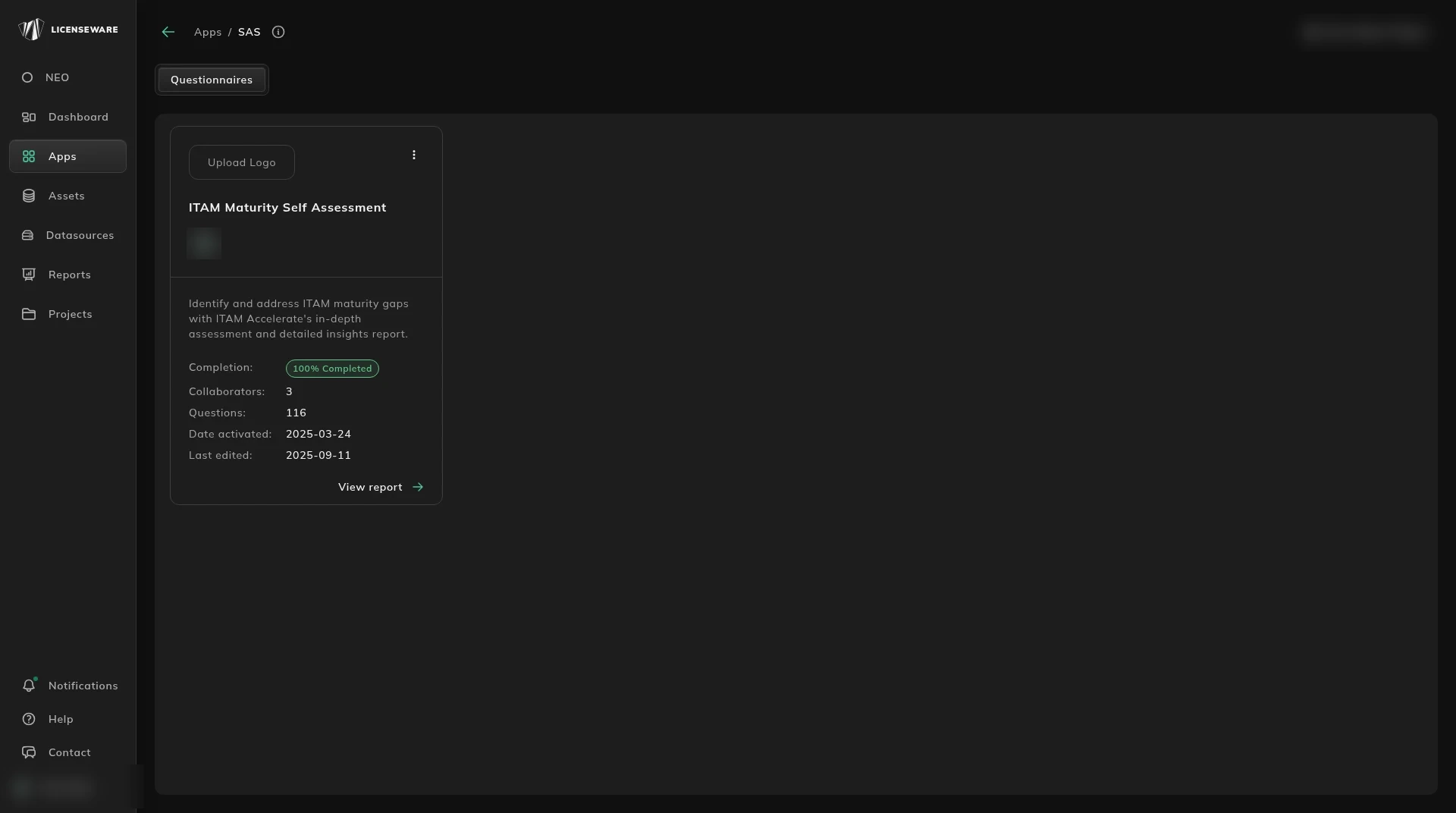
Open Apps, then Self Assessment Service. The card shows completion, how many collaborators, the question count, when it was activated, and when it was last edited. View report opens the scores.
What you are answering
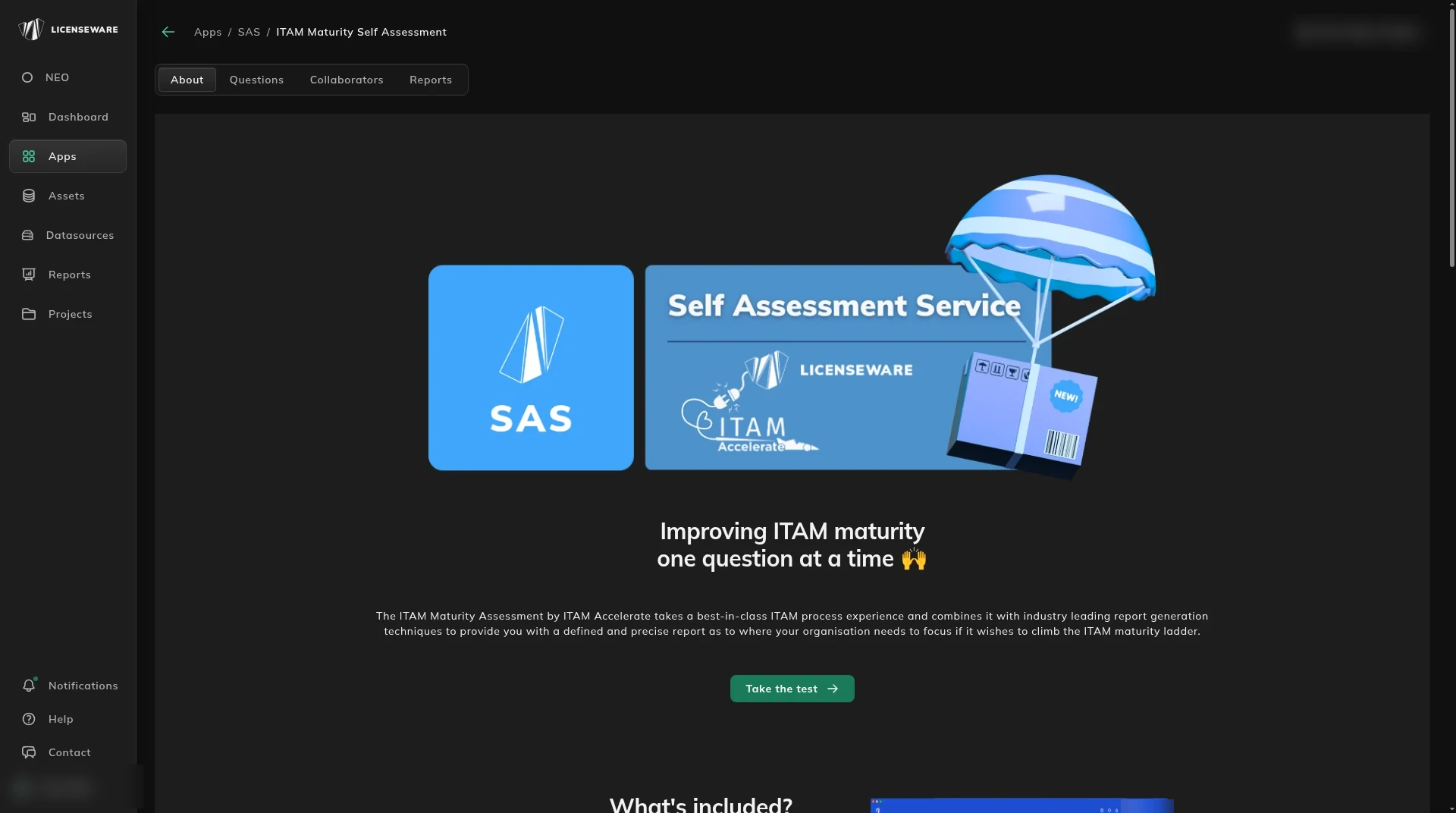
Section titled “What you are answering”About is the introduction: what the assessment includes, and how to collaborate.
Questions is the assessment. Sections are 0. ITAMS Maturity, 1. HAM Maturity and 2. SAM Maturity.
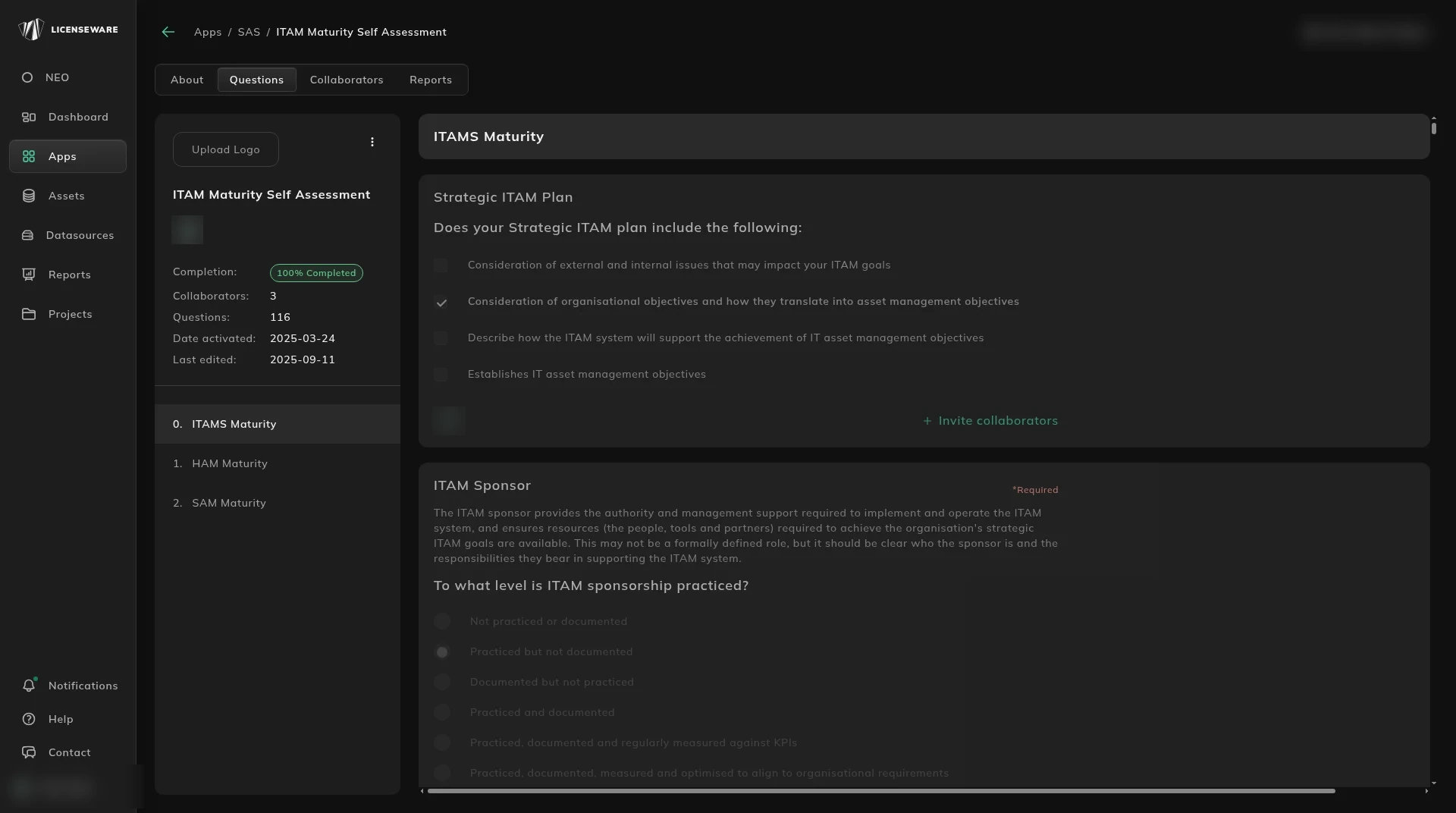
Answer for the way you work now. A question left blank is listed when you try to finish, and the scores stay closed until it is answered.
Invite someone
Section titled “Invite someone”Collaborators lists who else can answer: name, role, and date. Roles on the list include Question Collaborator and Assessment Collaborator.
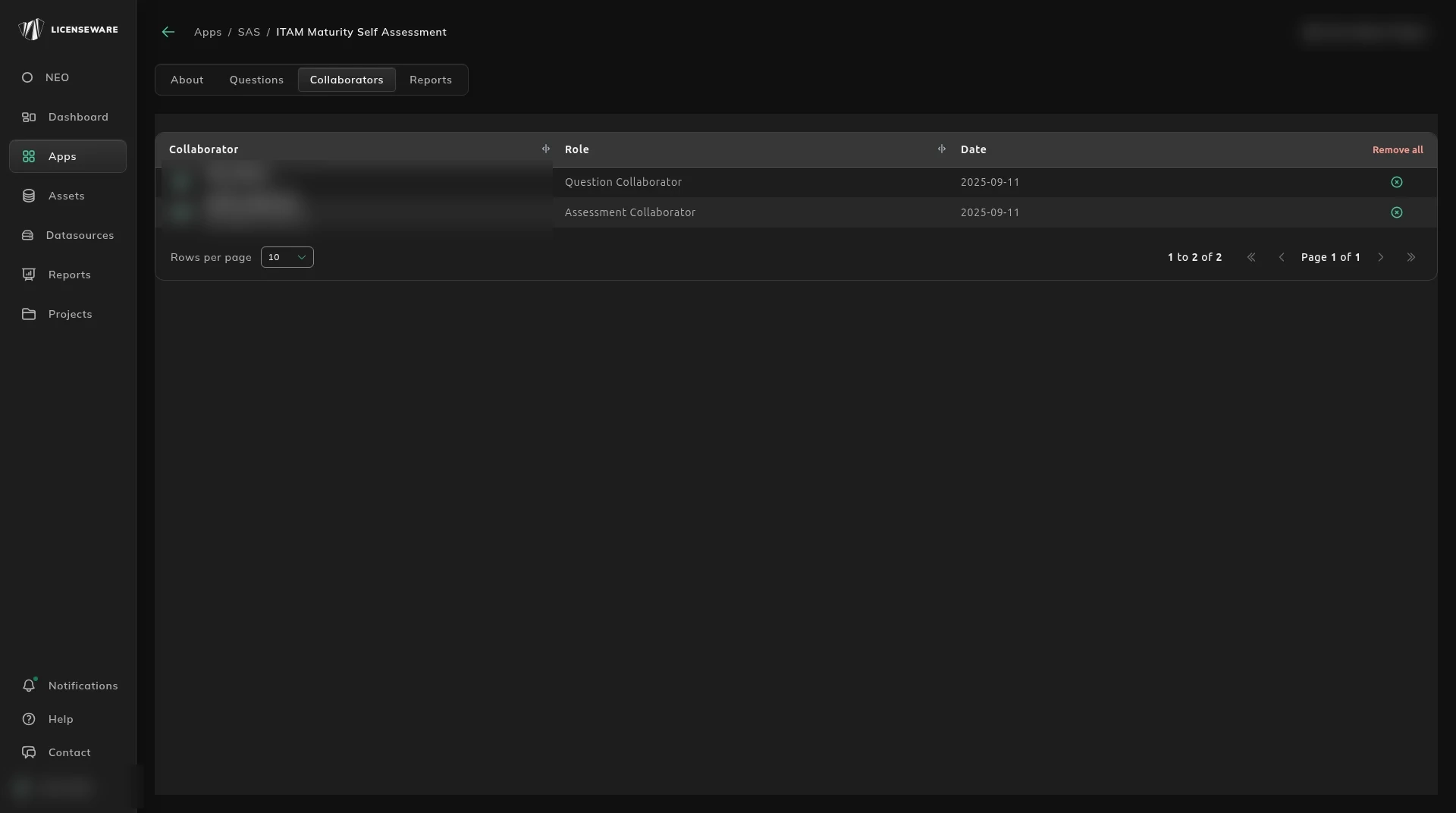
Invite from the question, or from the card.
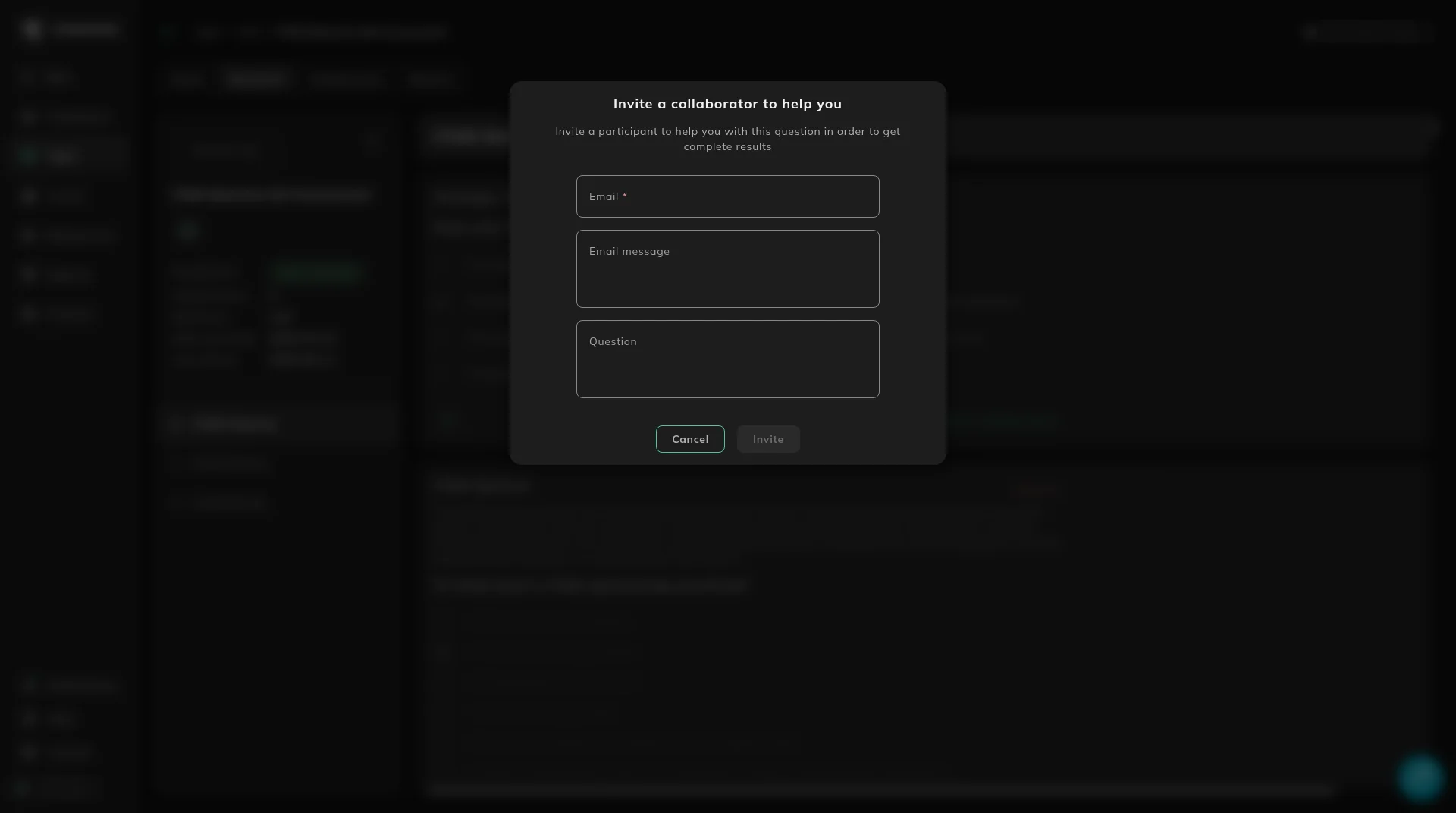
On a question, the dialog is Invite a collaborator to help you.
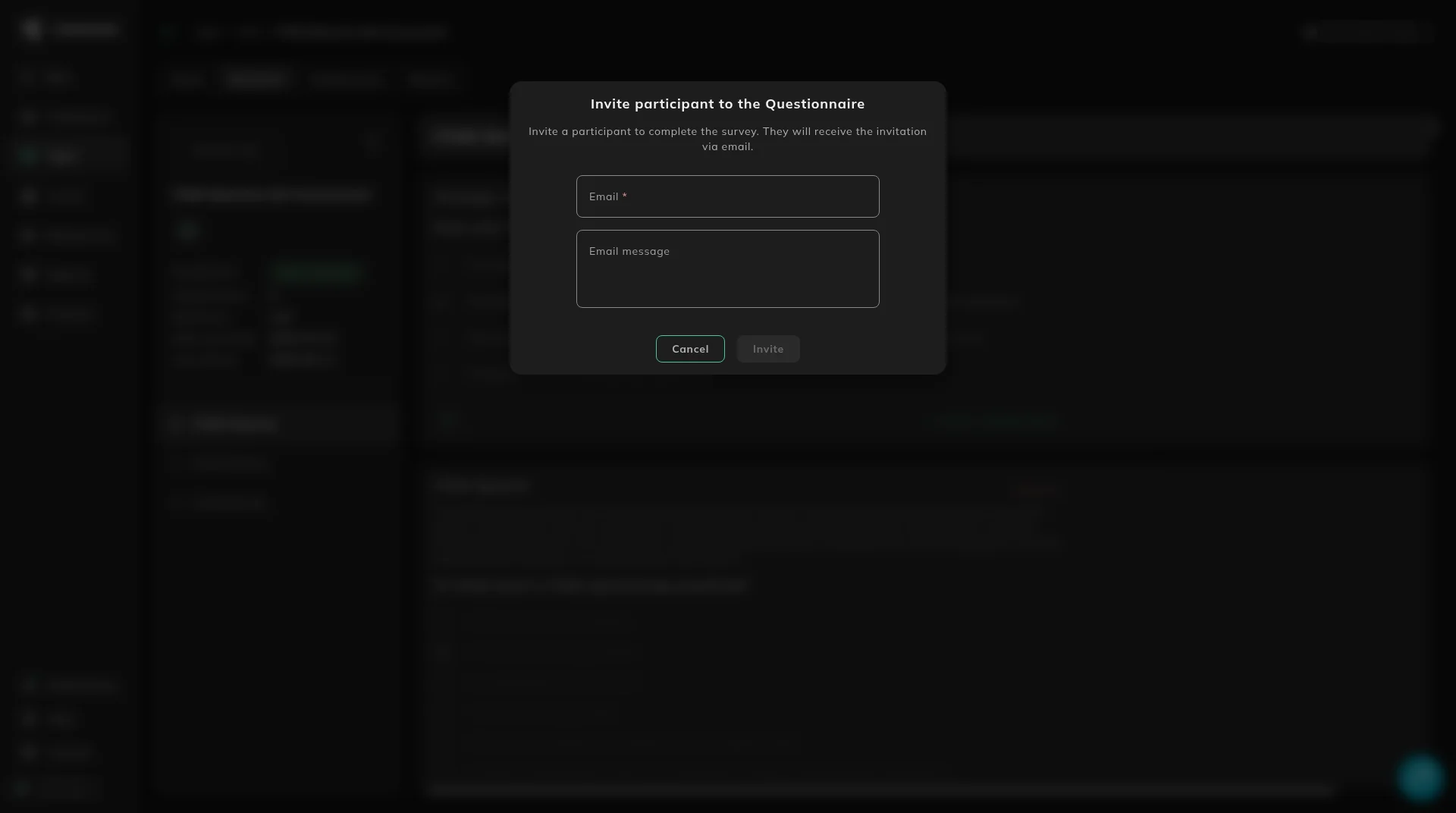
On the questionnaire card’s menu, the dialog is Invite participant to the Questionnaire.
Open Apps, then Self Assessment Service, and answer the card that is already there. If you already bought the assessment and it is not on this project, ask your Licenseware representative to allocate it.
The person you invite gets an email. They register if they do not have an account, verify it, switch to this project, and open the assessment in Self Assessment Service. On a question invite, add a short message so they know which question you need.
Read the scores
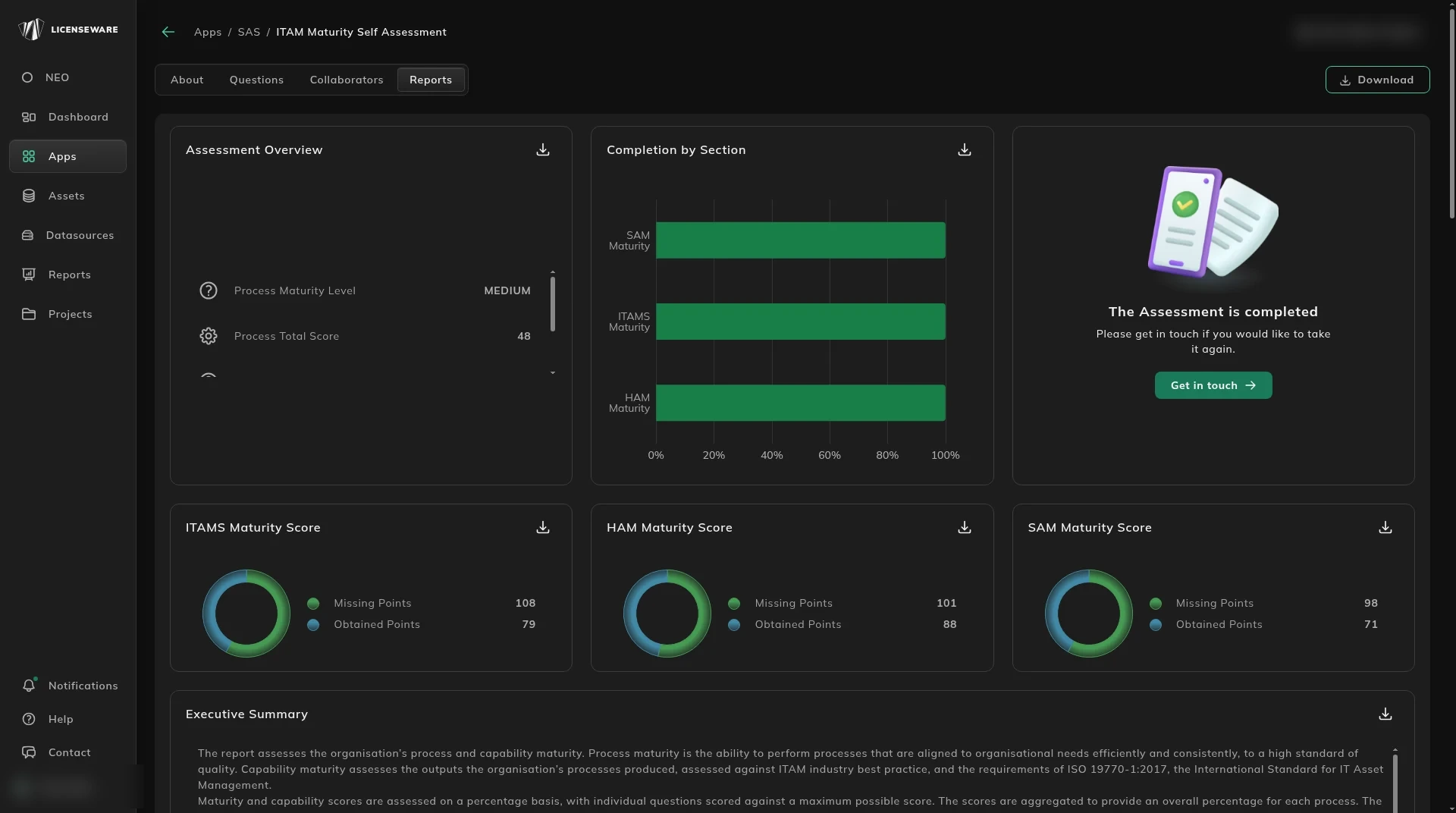
Section titled “Read the scores”The Reports tab is the result: process and capability maturity, completion by section, and the ITAMS, HAM and SAM scores, each with points obtained and points missing, plus an executive summary.
What the sections are measuring is on What the assessment measures. Who should answer is on Who to involve.