

What LCM does and when to use it
License and Contracts Manager (LCM) is the system of record for software contracts and the licenses granted under them. Agreements, order forms and the licenses on them sit in one place, with the metric and quantity entitled, the renewal dates, and the files behind them.
Use it to capture every license under those agreements, to allocate that license to a deployment or to an organizational reservation such as a CAL or a business-unit pool, and to see in the moment what is covered and what is not. Set Renewal Notice Days and Licenseware emails a reminder on that day, then again at each of 90, 60 and 30 days that falls after it. See Set a renewal reminder for worked examples. NEO can read a document into those fields. One agreement that would otherwise take a legal team several days is the sort of read NEO is for.
LCM is the entitlement side. The deployment apps, including Software Inventory Manager and the managers for Microsoft, Oracle, Adobe, Red Hat, Java and infrastructure, say what is deployed. LCM says what is licensed. Allocating a license to a deployment produces Deployed, Allocated and Uncovered, which is the view a compliance or optimization decision starts from.
Use it when the renewal date, the entitlement, or the file behind a purchase is not in one place:
- Which agreements renew soon, and which have already expired?
- What does the estate cost, and which vendor is that spend with?
- Does this license cover what is installed?
- Where is the agreement, the order, or the invoice?
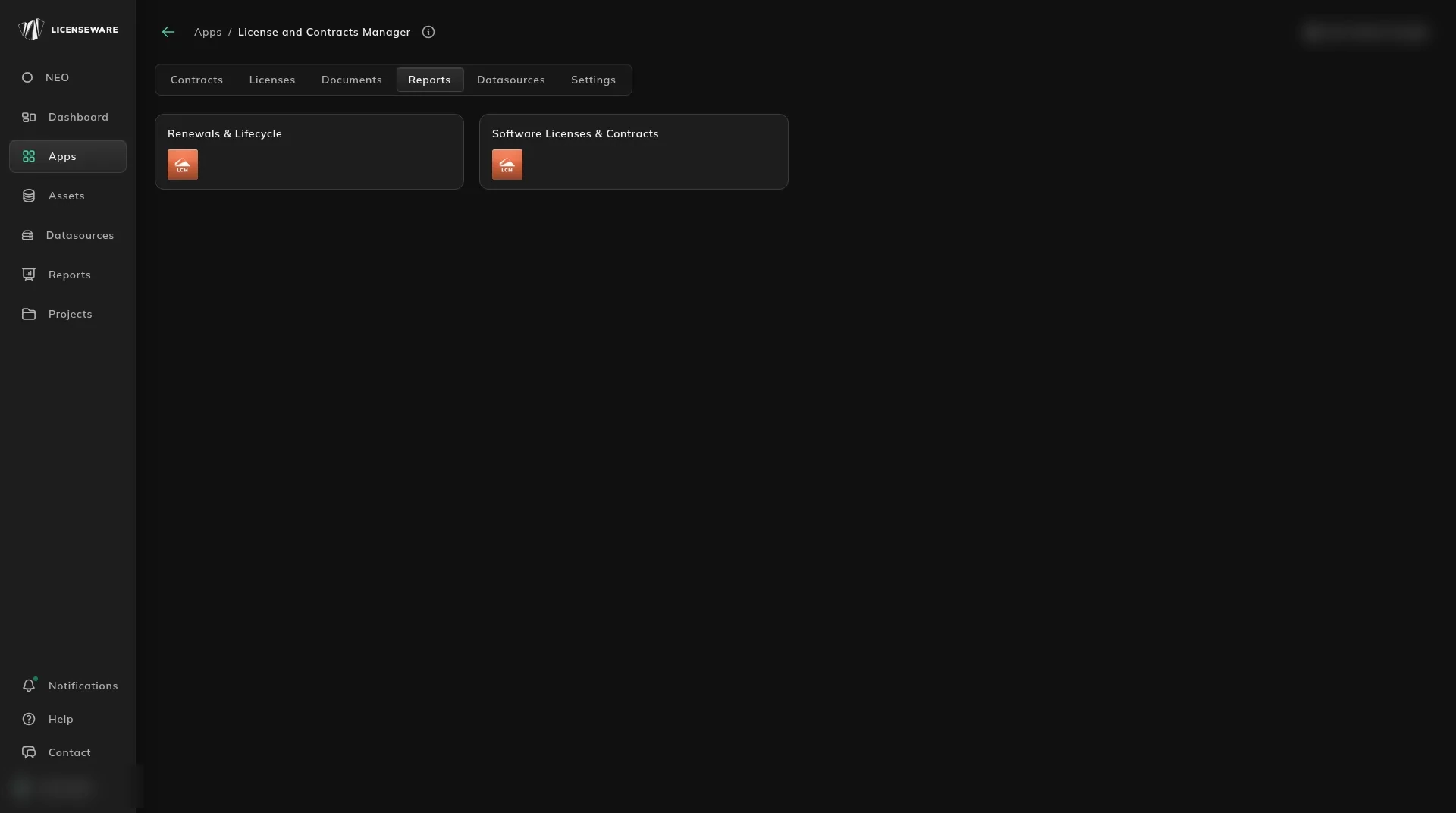
Open it from Apps, then License and Contracts Manager. Contracts is the first tab. Licenses, Documents, Reports and Settings sit beside it.
Connect Microsoft Graph when the entitlements are in Microsoft 365. A contract file, and the LCM template for rows the file does not carry, come after that. Both are under Data sources.
Where to go next
Section titled “Where to go next”| Question | Page |
|---|---|
| What renews in the next year? | Renewals & Lifecycle |
| What are we spending, and with whom? | Software Licenses & Contracts |
| Where is the agreement itself? | Keep the evidence behind a contract |
| Does this license cover what is installed? | Match a license to what is deployed |
| How do I add the agreement? | Add and review a contract |
| We need a field the form does not have | Add the fields your process needs |
| What are the field names on the template? | LCM field reference |
| How do I load a spreadsheet of contracts? | LCM template |
LCM also holds your Microsoft and Oracle entitlements. The Oracle position against those entitlements is Oracle Effective License Position. NEO’s contract risk and negotiation notes are on Read a contract for the renewal.
Start, or talk to us
Section titled “Start, or talk to us”Start free creates your account on the EU instance. For the US or AU instance, sign up at us.licenseware.io or au.licenseware.io. See pricing.