

Device Details
Device Details collects the device information captured while the infrastructure is processed. Use it to read a calculation, or export the rows into your own analysis. It is the IBM Power and AIX slice of the map: LPARs, pools and physical hosts, with entitled capacity and whether the LPAR is capped. Oracle and other per-core licenses on these machines follow that capacity, not a Windows-style core count.
Open it from Apps, then Infrastructure Mapper, on the Reports tab.
At a glance
Section titled “At a glance”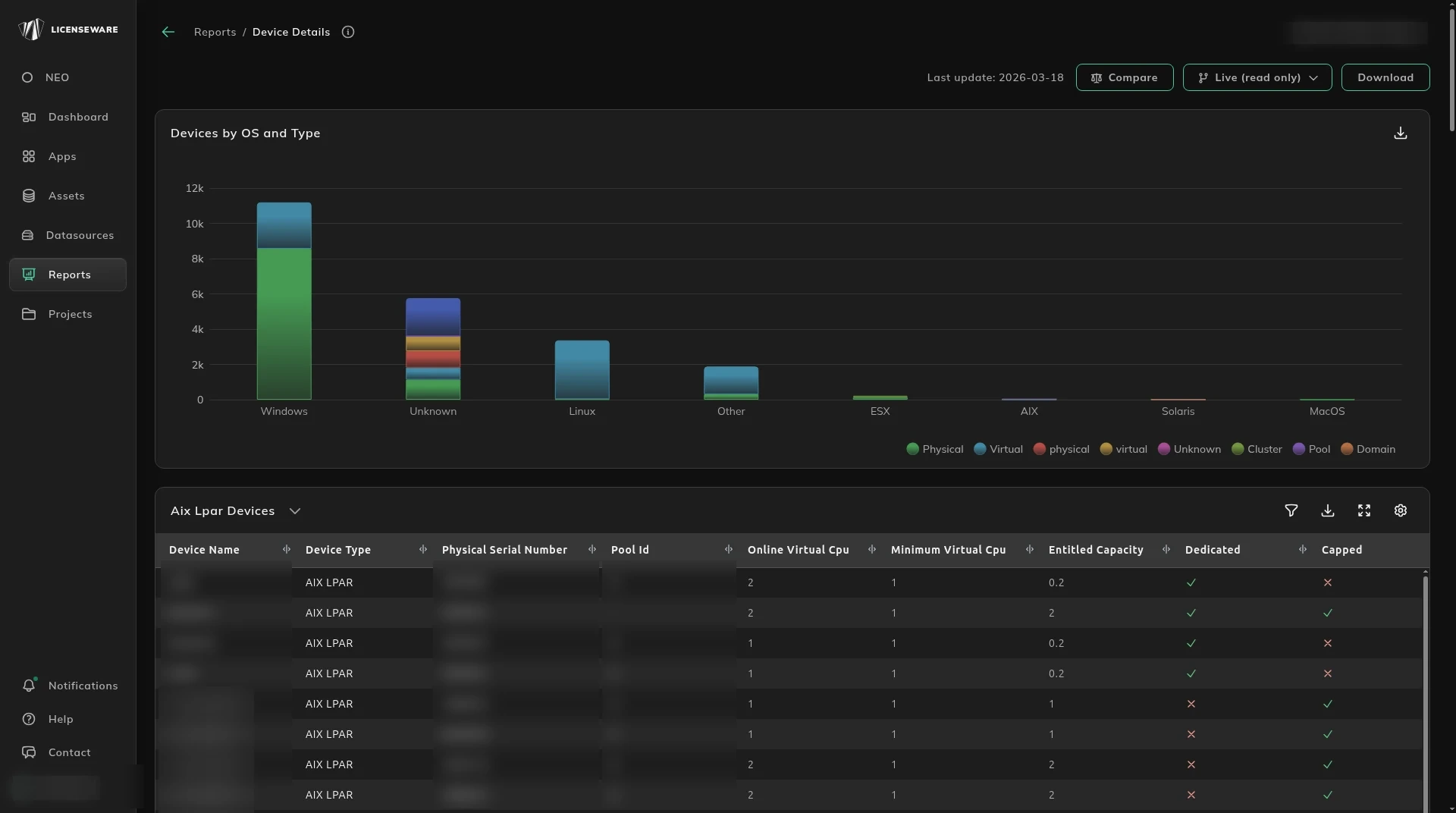
Devices by OS and Type is the scan. It includes the ESX count and the Windows count, each with the virtualization level, not only the AIX machines. The tables are the machines.
What each Power machine is
Section titled “What each Power machine is”Aix Lpar Devices, Aix Pool Devices and Aix Physical Devices list the device, its type, serial or pool, online virtual CPU, minimum virtual CPU, entitled capacity, whether it is dedicated or capped, the active CPUs, processors, cores, threads, the Oracle core factor, and how many LPARs or pools are running.
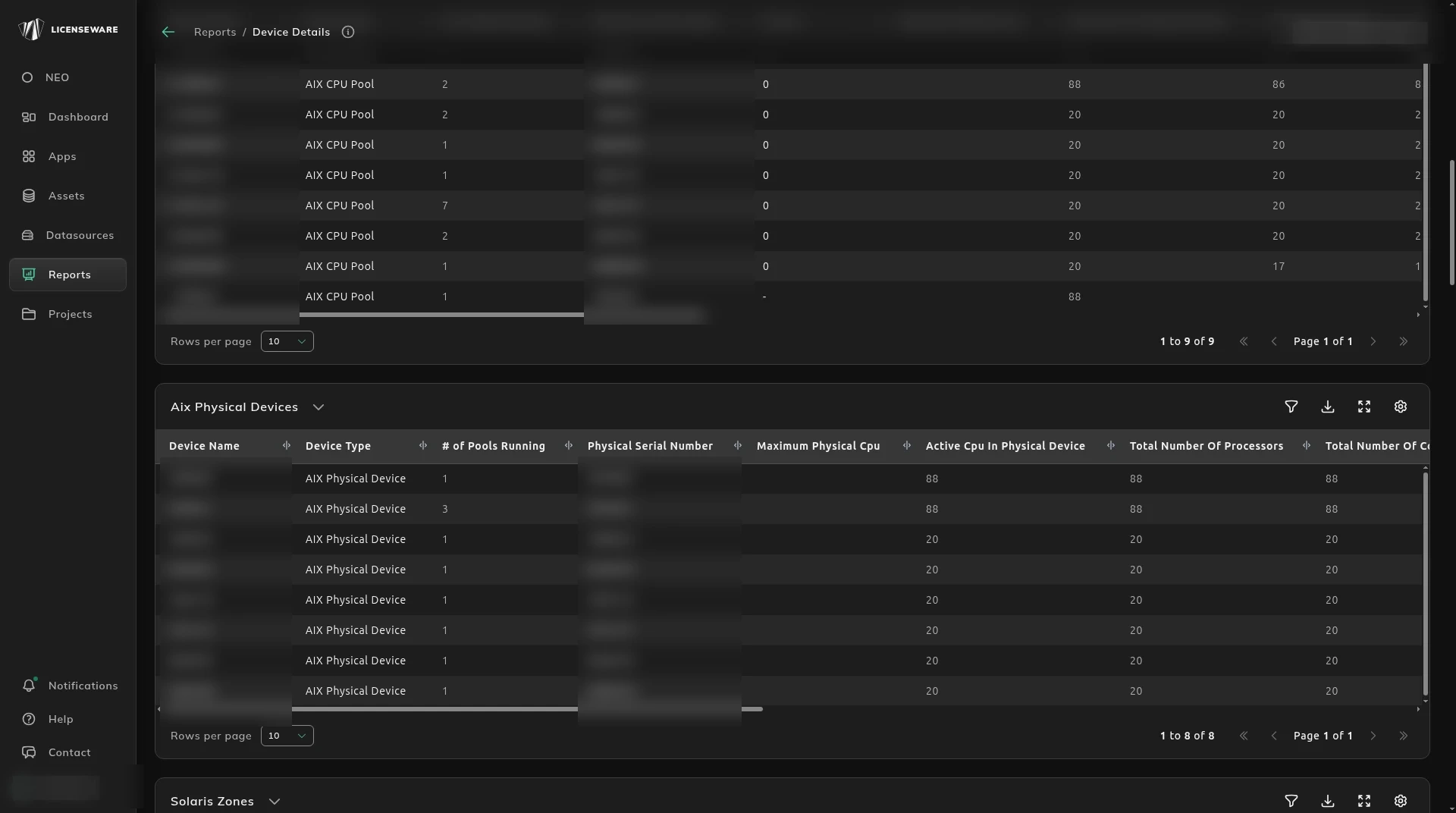
A capped LPAR does not consume the whole host. Leave that flag wrong and the license requirement follows the host instead of the LPAR. Oracle and other per-core licenses on IBM Power follow entitled capacity, not a Windows-style core count, so a capped LPAR is licensed on its entitled capacity. Oracle Database and Oracle middleware read this capacity when the database or the domain sits on AIX.
Solaris Zones
Section titled “Solaris Zones”Solaris Zones is the same kind of table for Solaris. The columns are name and type, whether the zone is capped, state, pool ID and pset name, pool pset max and size, whether it is the global zone, processors, cores and threads, the Oracle core factor, CPU model, virtualization and OS type, manufacturer and model, and the raw data.
The same detail is carried for Solaris CPU pools, Solaris domains and Solaris physical devices. Host-to-guest rows for every platform are on Virtualization Details.
The wider map is Infrastructure Overview.
Download on an aggregated table saves one row per device, with the user. See Using reports.