Switch to a dark theme
Change the theme
In the Licenseware app
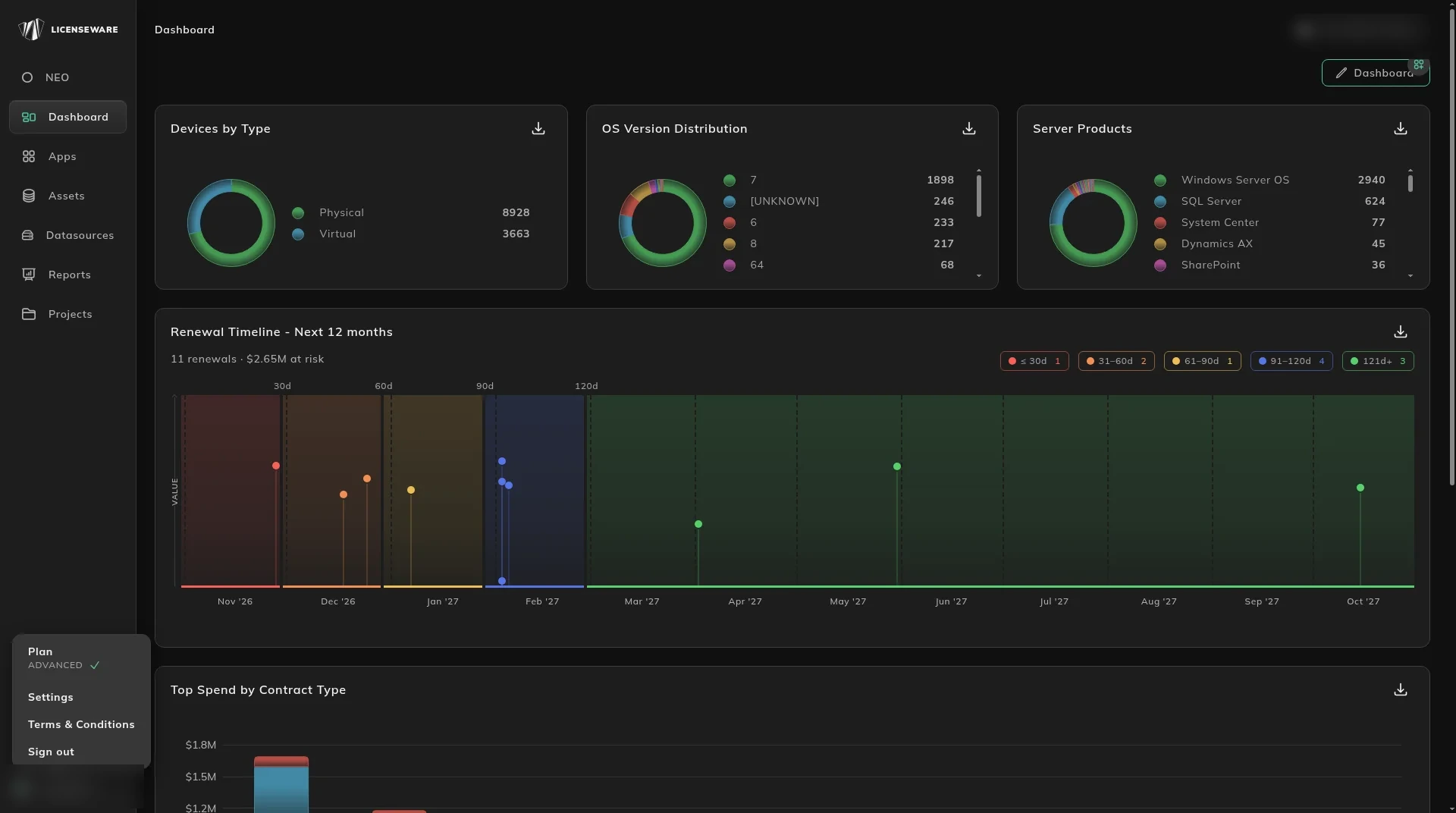
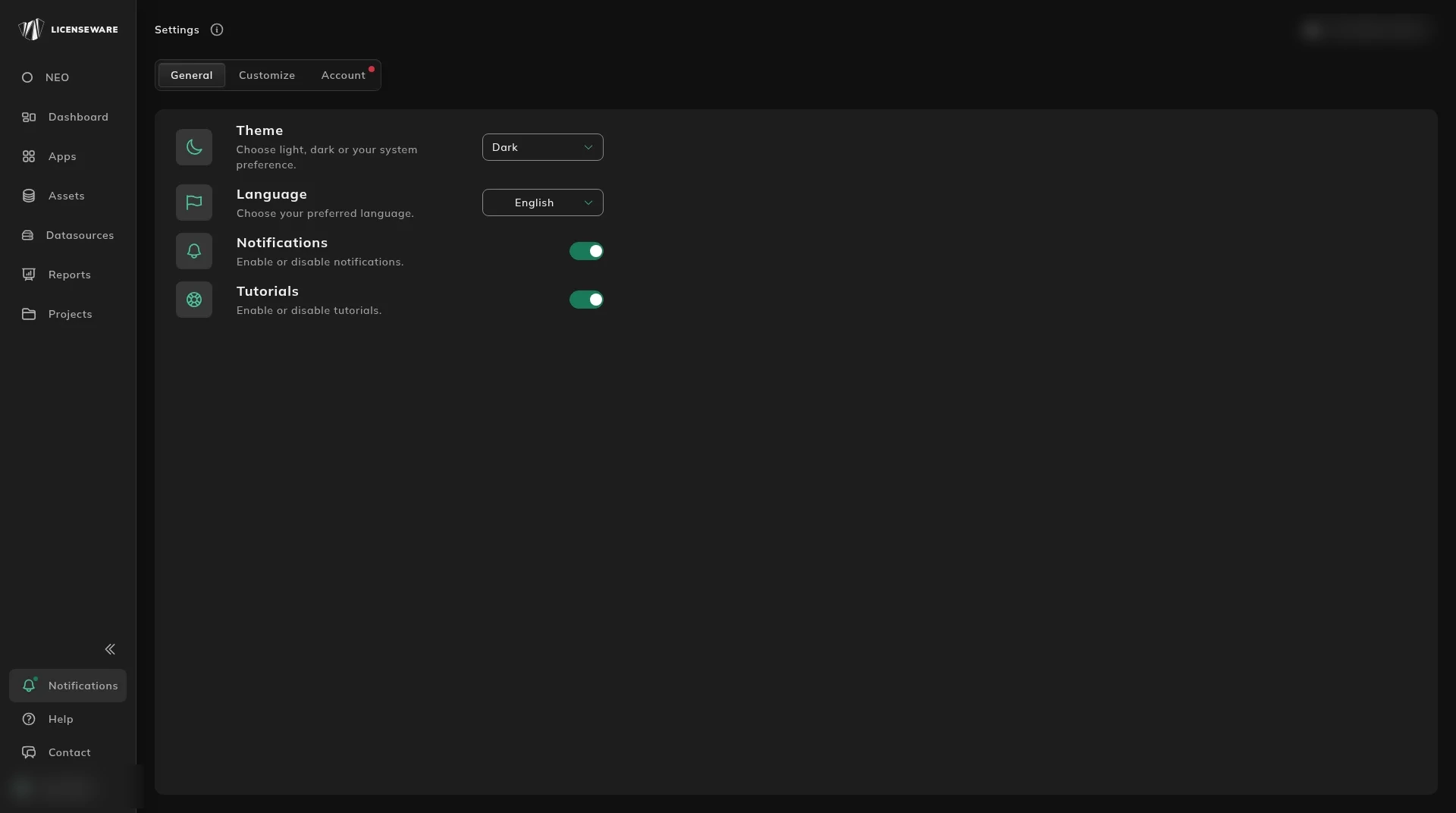
Section titled “In the Licenseware app”Settings opens from the profile menu at the bottom left. It has three tabs: General, Customize and Account.
- Open the profile menu at the bottom left.
- Click Settings.
- On General, set Theme.
The theme changes as soon as you pick it.
Language is the dropdown under Theme on the same tab.
In this handbook
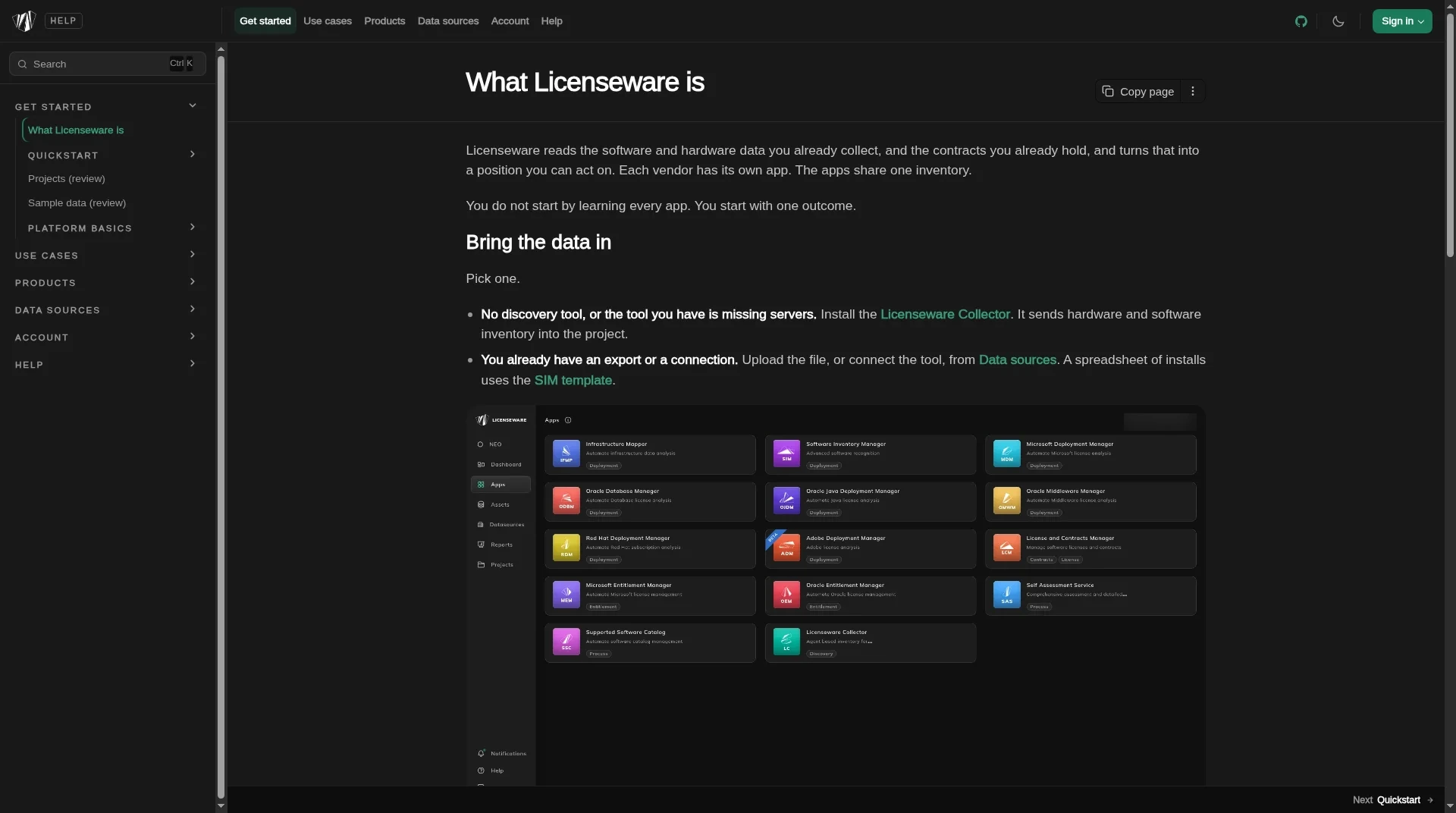
Section titled “In this handbook”This handbook opens in dark. The theme button is in the header, on the right.
Each click moves one step:
| Current | Next |
|---|---|
| Light | Dark |
| Dark | System |
| System | Light |
System follows the color scheme of your device. The choice is stored in this browser. It does not change the Licenseware app.