
Connect your data. Get your first reports.
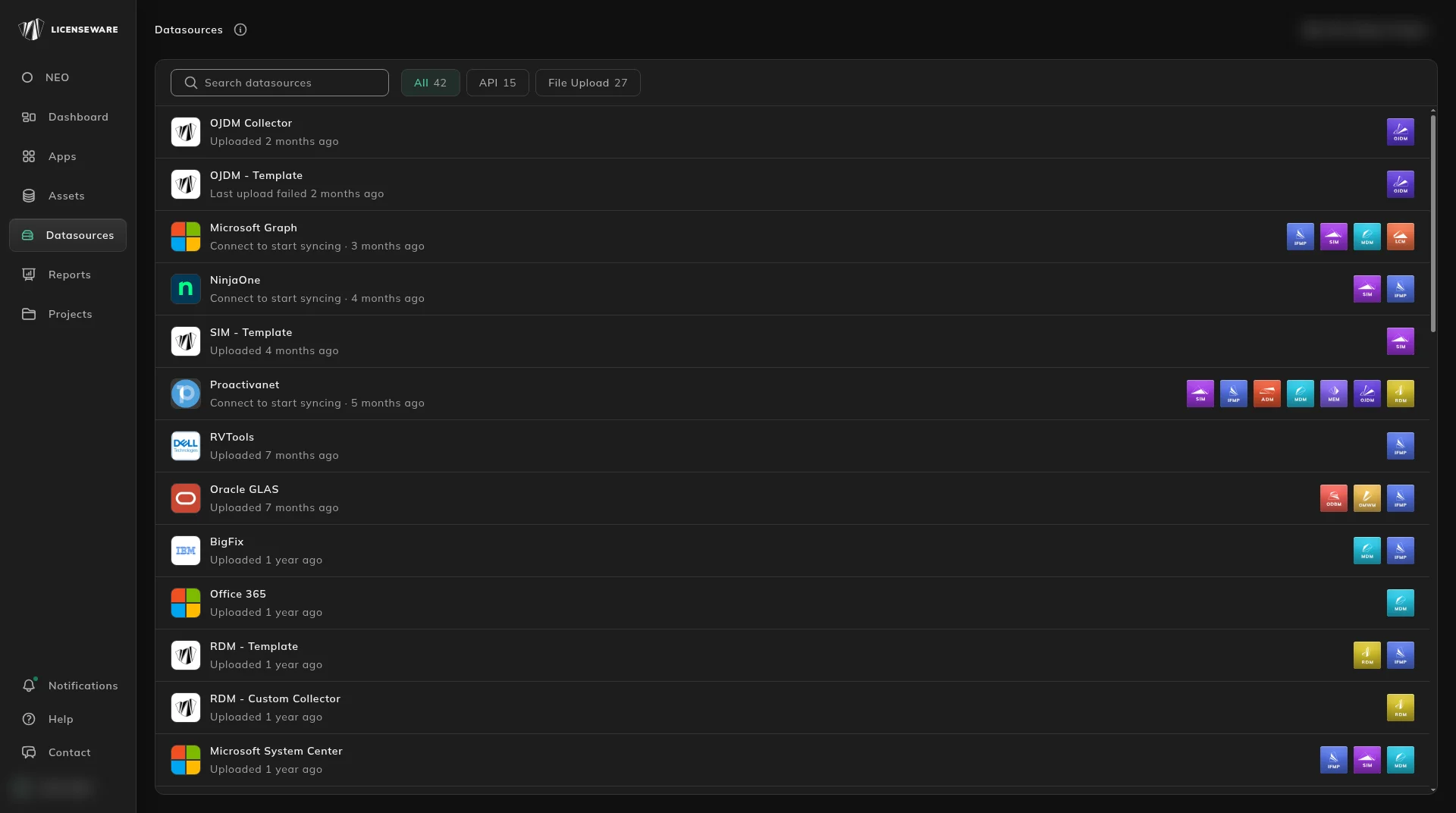
Connect your data, recognize your software with SIM, extract your contracts and read NEO's findings. Start with the quickstart, or jump to the step you need.
The quickstart path
From raw data to your first findings
Five steps, in the order that pays off. Each one links to the page that walks you through it.
Step 1: Connect your data
Connect a tool you already run, such as Lansweeper, Microsoft Graph or NinjaOne. It syncs on a schedule. No API? Upload a file instead.

Step 2: Meter usage with the Collector
A free agent for servers and client PCs (laptops, desktops, VDI and Docker containers) that meters when software is actually run, so you can reclaim licenses nobody opens. It covers machines your integration does not see.
Step 3: Recognize your software with SIM
SIM recognizes, matches and enriches raw inventory into a classified, costed estate: what is installed, what is paid, what is out of support, and where tools overlap.

Step 4: Extract contracts with LCM OCR
Upload a contract PDF, scan or screenshot. NEO reads the terms and the licenses, and you review them before they are saved. Then set a renewal reminder.
Step 5: Get NEO insights
Read NEO's written findings on Microsoft 365 savings, overlapping tools, and software risk and hygiene, or ask NEO a licensing question.
Products
Browse by product

Help